-
Regular price $29.99 USDRegular priceUnit price per
$39.99 USDSale price $29.99 USD -
Regular price $29.99 USDRegular priceUnit price per
$39.99 USDSale price $29.99 USD -
Regular price $29.99 USDRegular priceUnit price per
$39.99 USDSale price $29.99 USD -
Regular price $29.99 USDRegular priceUnit price per
$39.99 USDSale price $29.99 USD -
Regular price $29.99 USDRegular priceUnit price per
$39.99 USDSale price $29.99 USD -
Regular price $29.99 USDRegular priceUnit price per
$39.99 USDSale price $29.99 USD -
Regular price $29.99 USDRegular priceUnit price per
$39.99 USDSale price $29.99 USD -
Regular price $29.99 USDRegular priceUnit price per
$39.99 USDSale price $29.99 USD -

Regular price $34.99 USDRegular priceUnit price per
$49.99 USDSale price $34.99 USD -
Regular price $34.99 USDRegular priceUnit price per
$49.99 USDSale price $34.99 USD -
Regular price $34.99 USDRegular priceUnit price per
$49.99 USDSale price $34.99 USD -
Regular price $34.99 USDRegular priceUnit price per
$49.99 USDSale price $34.99 USD -
Regular price $34.99 USDRegular priceUnit price per
$49.99 USDSale price $34.99 USD -
Regular price $34.99 USDRegular priceUnit price per
$49.99 USDSale price $34.99 USD
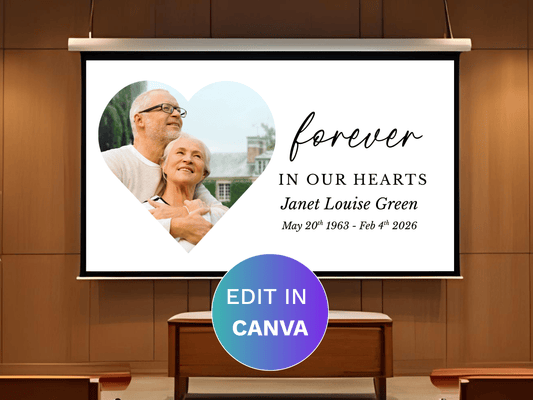
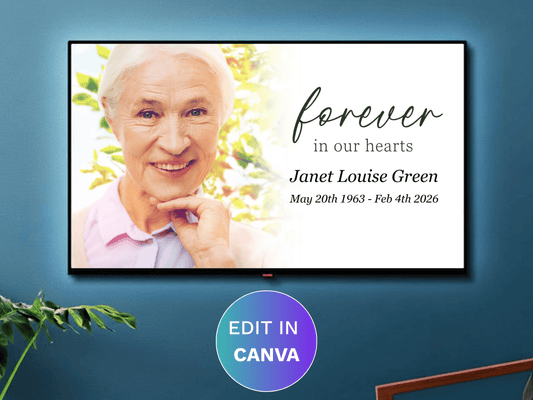
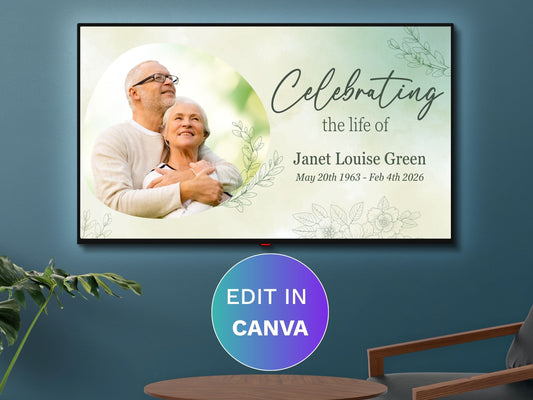
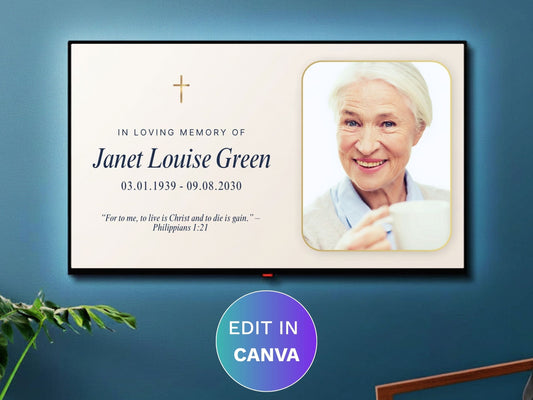
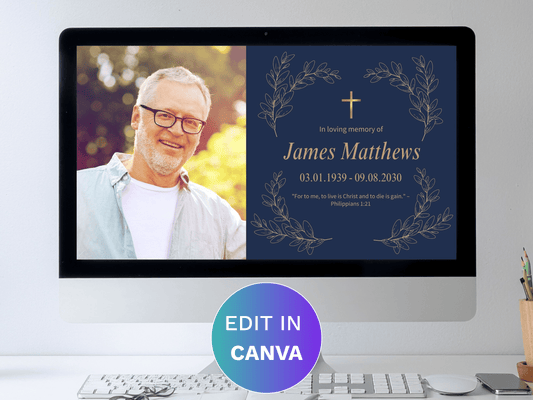
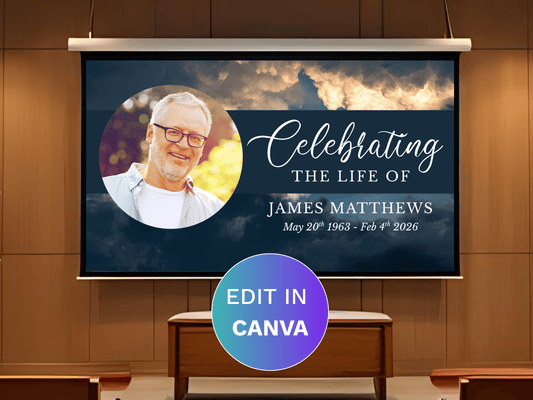
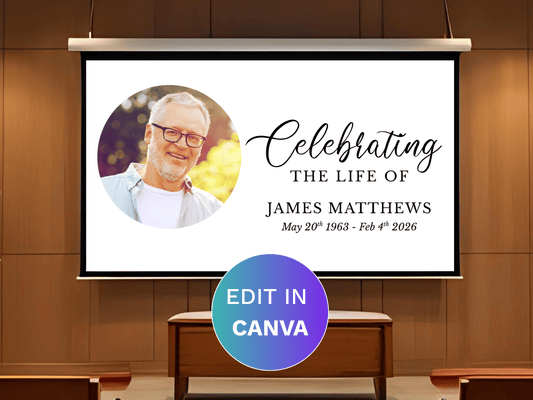
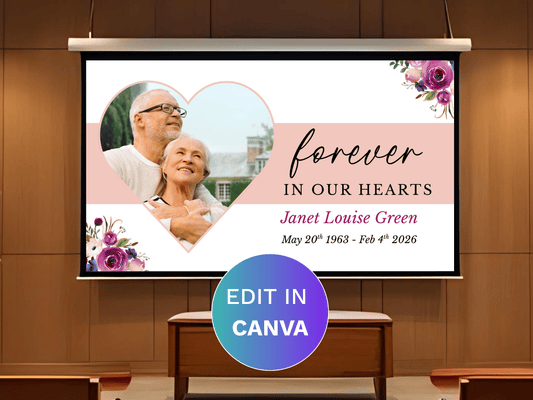
Why a Canva Funeral Slideshow Template?
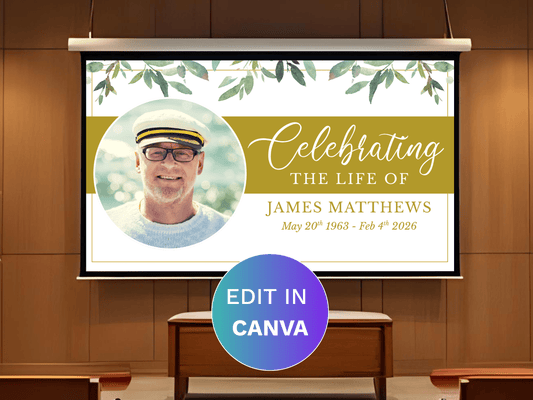
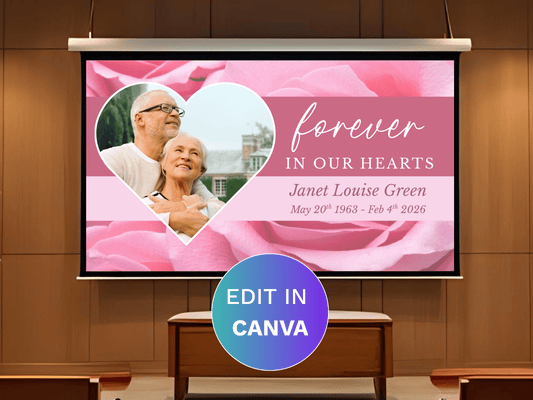
Room for Every Memory: With dozens of photo collage layouts and space for up to 200 photos, you'll have plenty of room to share your loved one's story.
Edit on Any Device: Fully editable in the free version of Canva, on a computer, phone, or tablet.
Add Your Own Music and Video: Upload a favorite song or video clip to make the tribute truly personal.
Play or Share Digitally: Export as an MP4 video to play during the service or share online with family and friends.
FREQUENTLY ASKED QUESTIONS
-
How do I edit a Canva funeral slideshow template?
Download the PDF file, open it, and click the Canva link inside. You'll be prompted to create a free Canva account if you don't already have one, then you can edit directly in your browser.
-
How do I add music to my slideshow?
Upload your own music file directly within Canva while editing, and it will play automatically as part of your finished video.
-
Do I need a paid Canva account?
No. The free version of Canva works for editing these templates.
-
How do I save my finished slideshow?
Click Share, then Download, then choose MP4 Video to save your finished slideshow as a playable video file.