Skip to product information
1 of 10

Customer Reviews

Based on 10 reviews
90%
(9)
0%
(0)
10%
(1)
0%
(0)
0%
(0)
W
WALTER M BUTLER
Quality Template Easy To Use

The template worked well. It was easy to edit and send to the printer. Nice design and saved a lot of time.

Thank you for taking the time to leave a review Walter. I'm glad to hear that our 8 Page Funeral Program Template was easy to use and saved you time. We strive to provide high-quality templates that are user-friendly. Thank you for choosing our product for such an important occasion.

K
Kenderia Miles

8 Page Purple Peonies Funeral Program Template

Thank you for your review Kenderia. I'm pleased you were happy with your funeral program template.

M
Monique Counts
Funeral template

The templates are beautiful and there's a lot of variety, just not user friendly. I couldnt use the template because none of my pictures fit

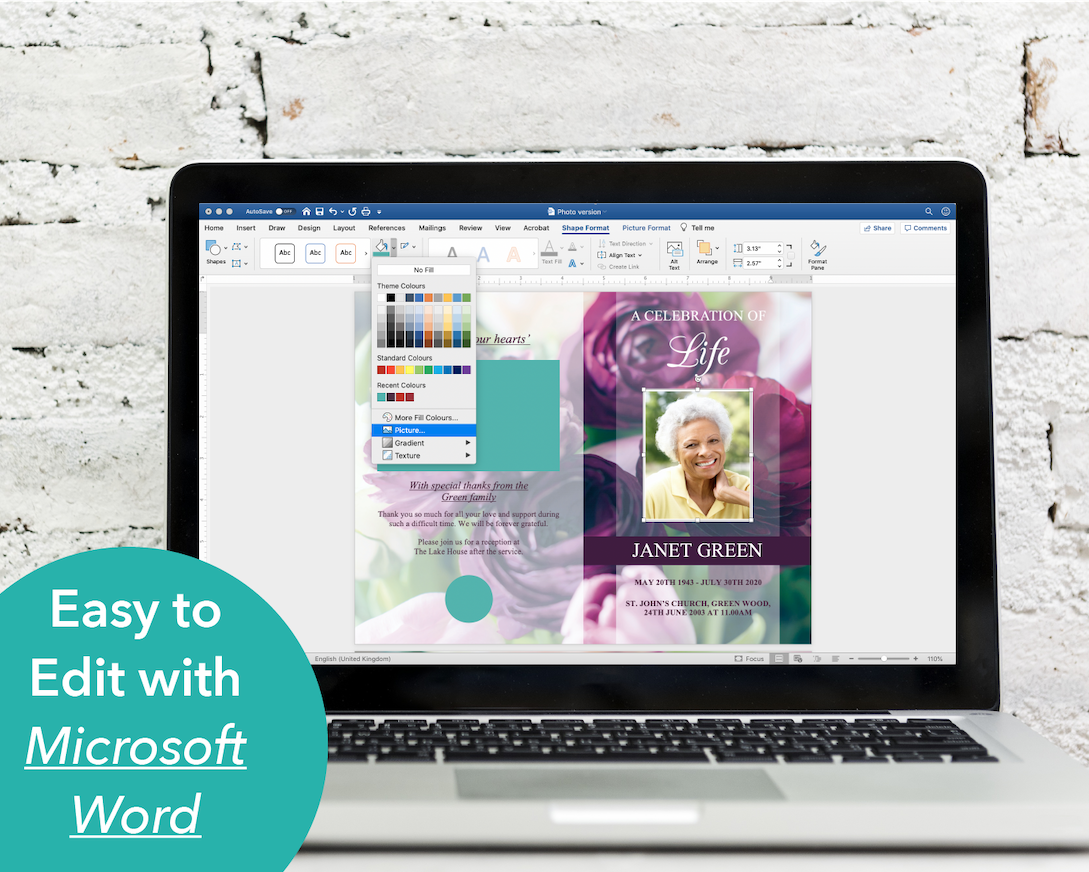
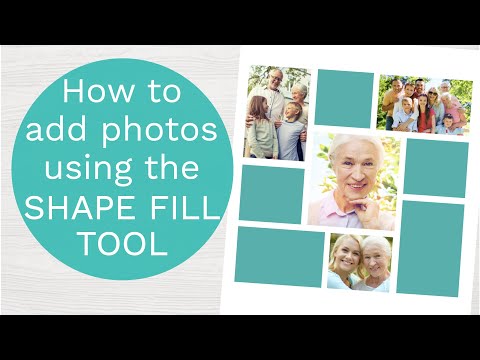
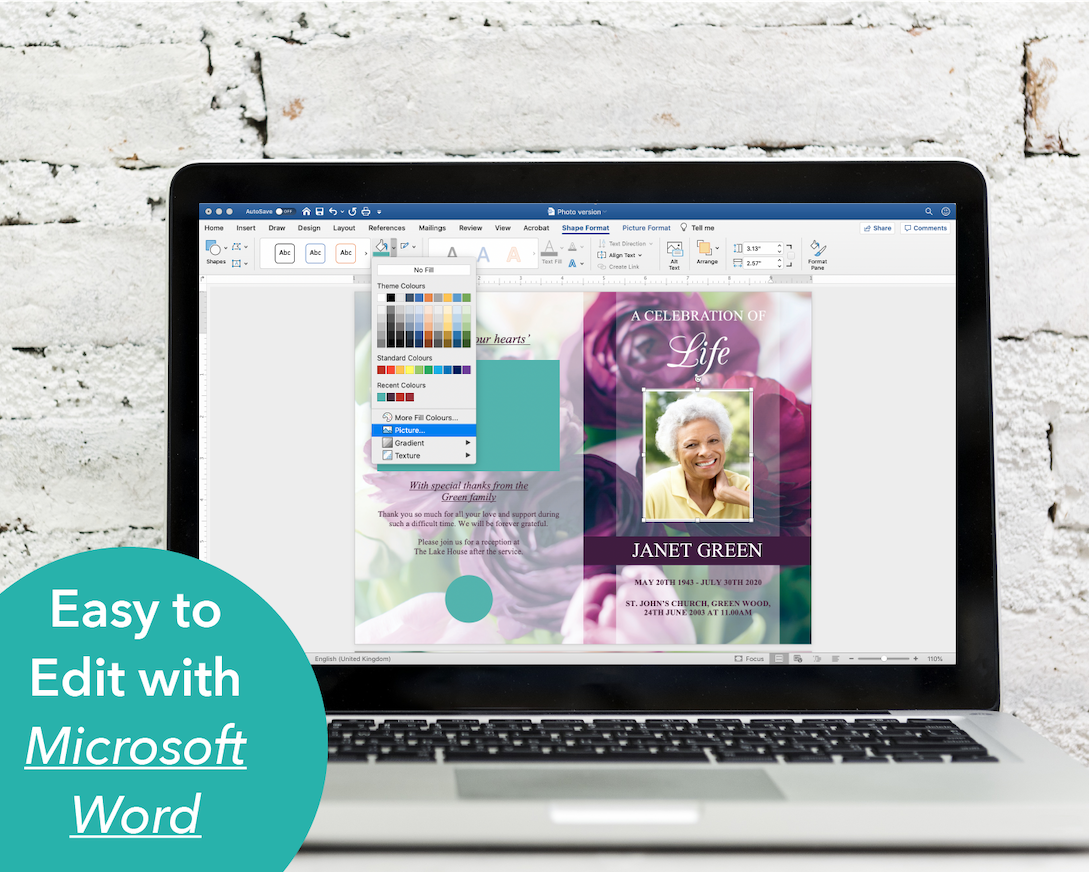
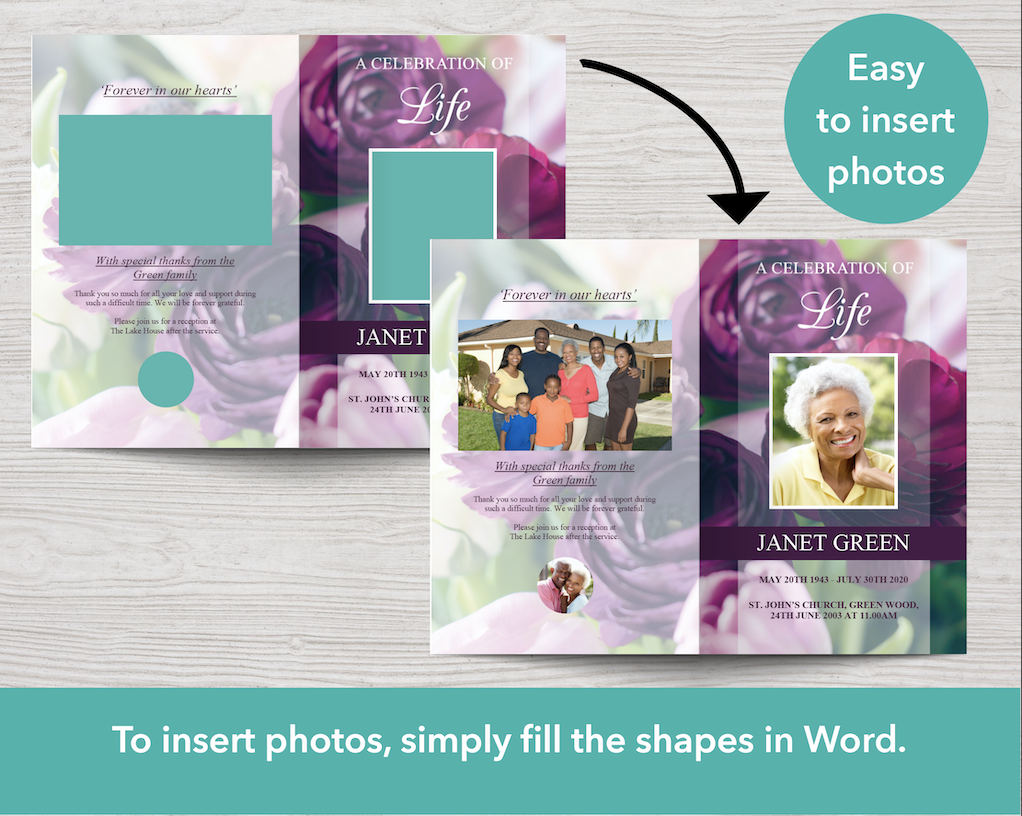
I'm sorry you're having a problem inserting pictures. You should be able to fit any size picture into your template. Are you editing the template in the desktop version of Microsoft Word on a laptop or desktop computer? If you are using Word on a computer, are you able to locate the SHAPE FILL tool to add your pictures? When you double click the green box, the Shape Format tab should be selected, then click the little arrow next to the Shape Fill tool (looks like a paint bucket), select Picture and then choose a picture from your computer and click Insert.

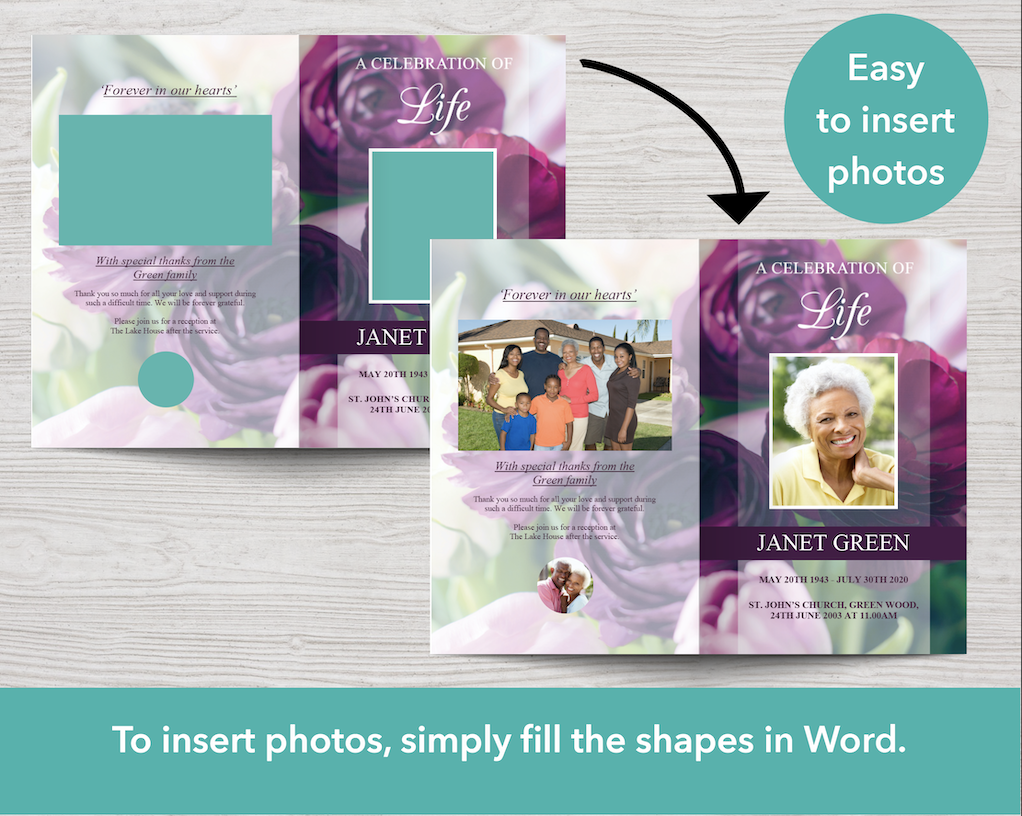
Your picture should fill the green box (not go over the top of the green box). You can then resize and crop the image if necessary, by following the instructions in the Help Guide included with your purchase (click the Photo, then click the Picture Format tab, then click Crop. Click and drag the photo to move it around within the frame). Using this method means you should be able to fit any size picture into your template.

If you prefer to follow video instructions, here's a link to a video on how to add photos using the Shape Fill tool in Word:
youtu.be/P98fCK-rDTg

Please let me know if the video or help guide don't solve your problem and you still need help adding your pictures.

With thanks,
Matt

M
Monica Dudley

8 Page Purple Peonies Funeral Program Template

Thank you for your review. I'm pleased you like your 8 page program.

A
Angelica
Beautiful as expected

Very easy to use! Our local fed ex was able to print design with no issues. Design was great quality, beautiful, and as expected. Thanks you for making one thing less stressful during such a stressful time for my family.

I'm so pleased your program template was easy to use Angelica and you were happy with the quality of the design. Thank you as well for sharing about where you got your programs printed and how the template helped during this stressful time for your family.

8 Page Purple Peonies Funeral Program Template

Regular price $29.99 USD
Regular price $34.99 USD Sale price $29.99 USD
Sale Sold out

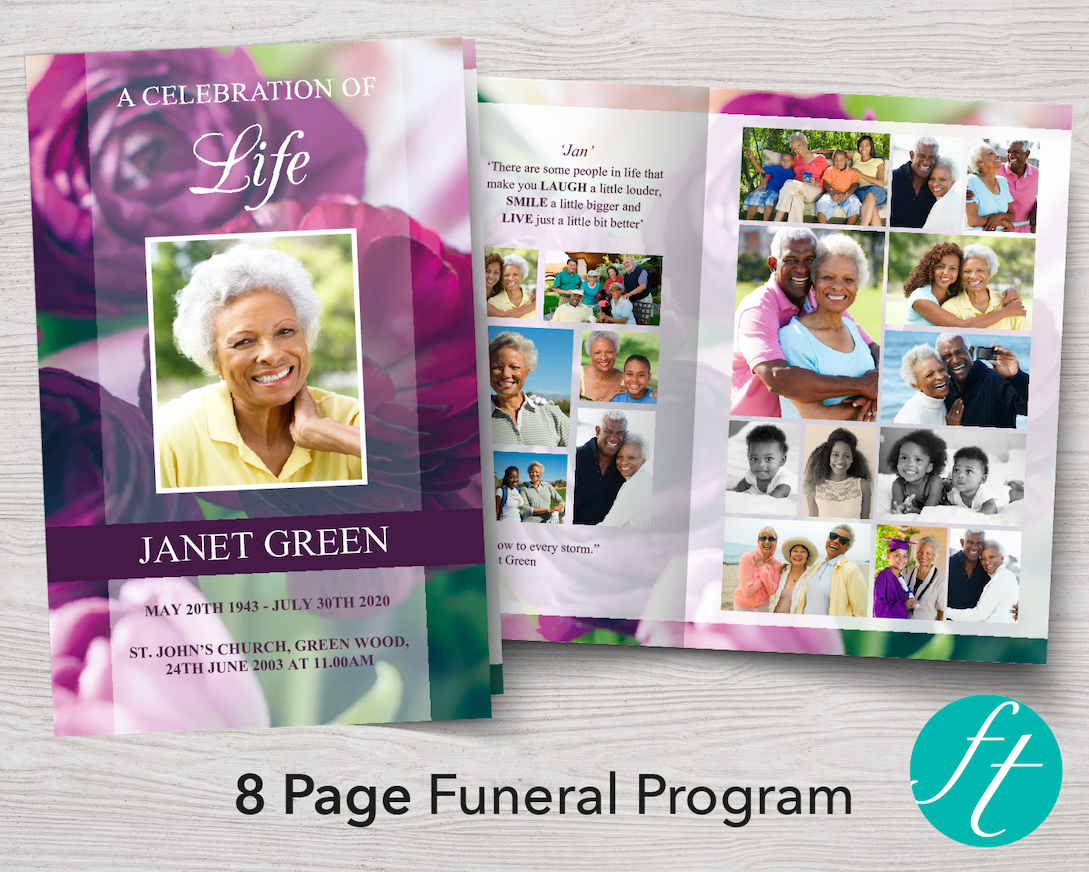
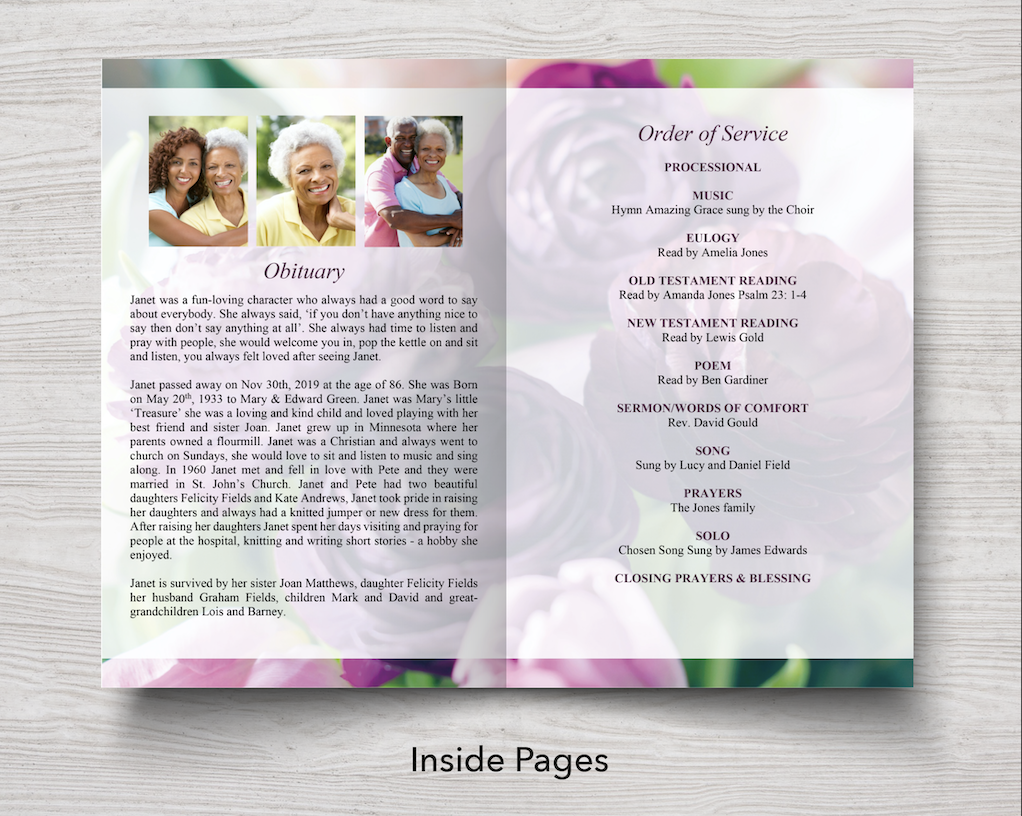
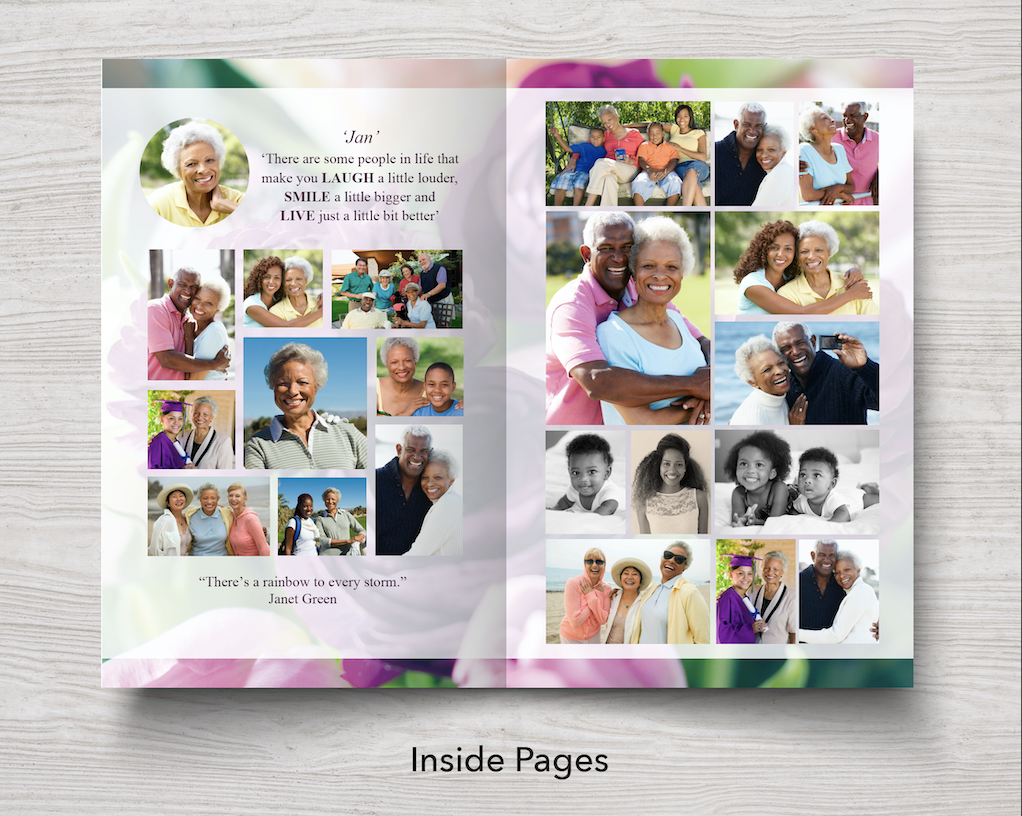
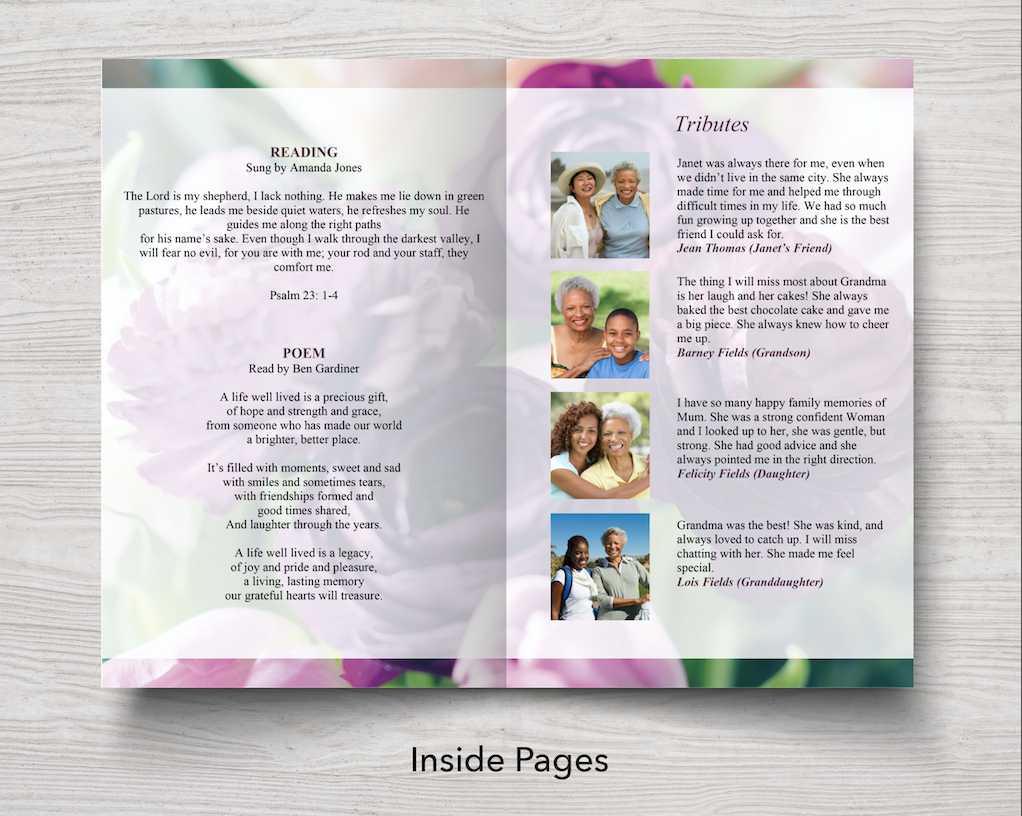
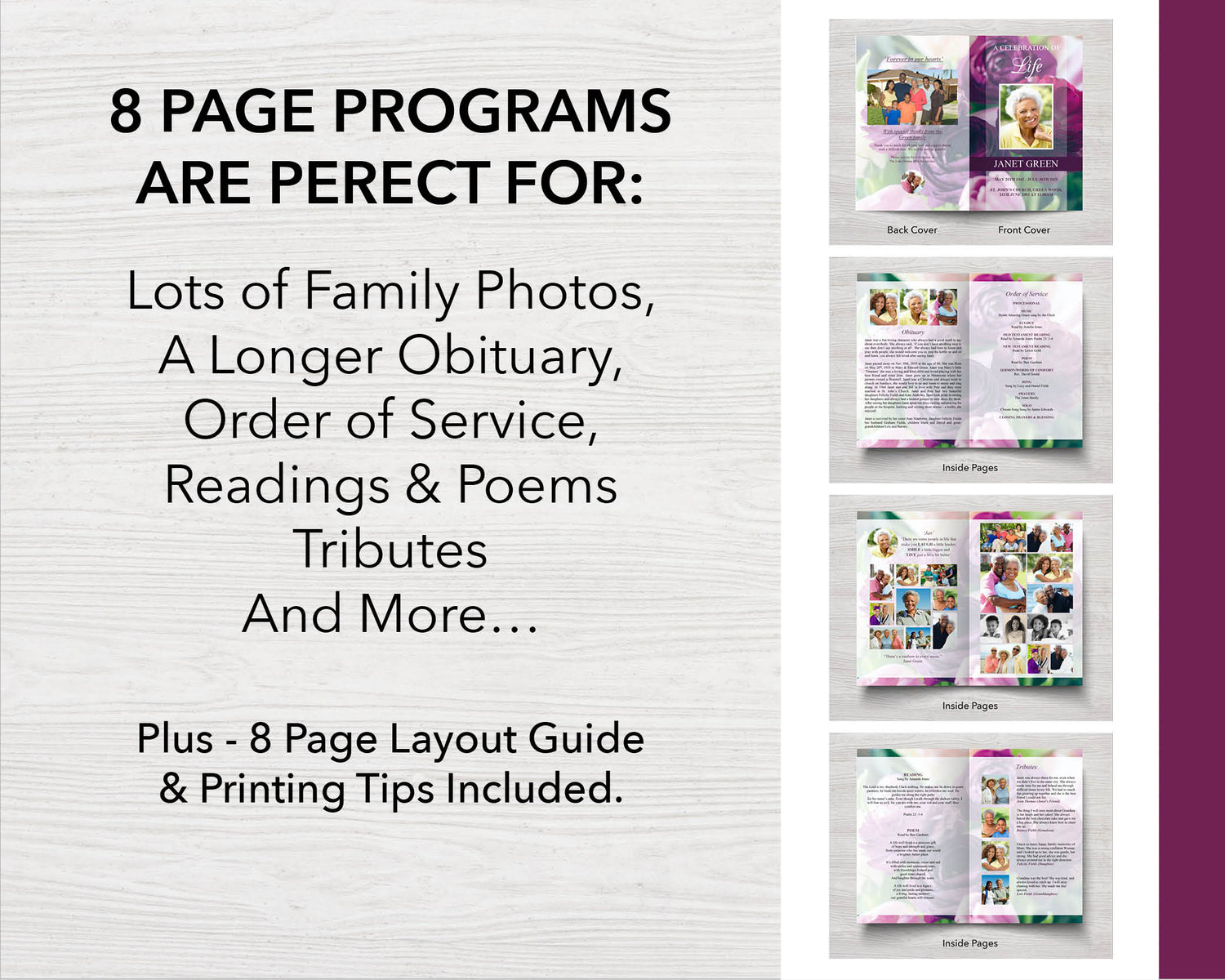
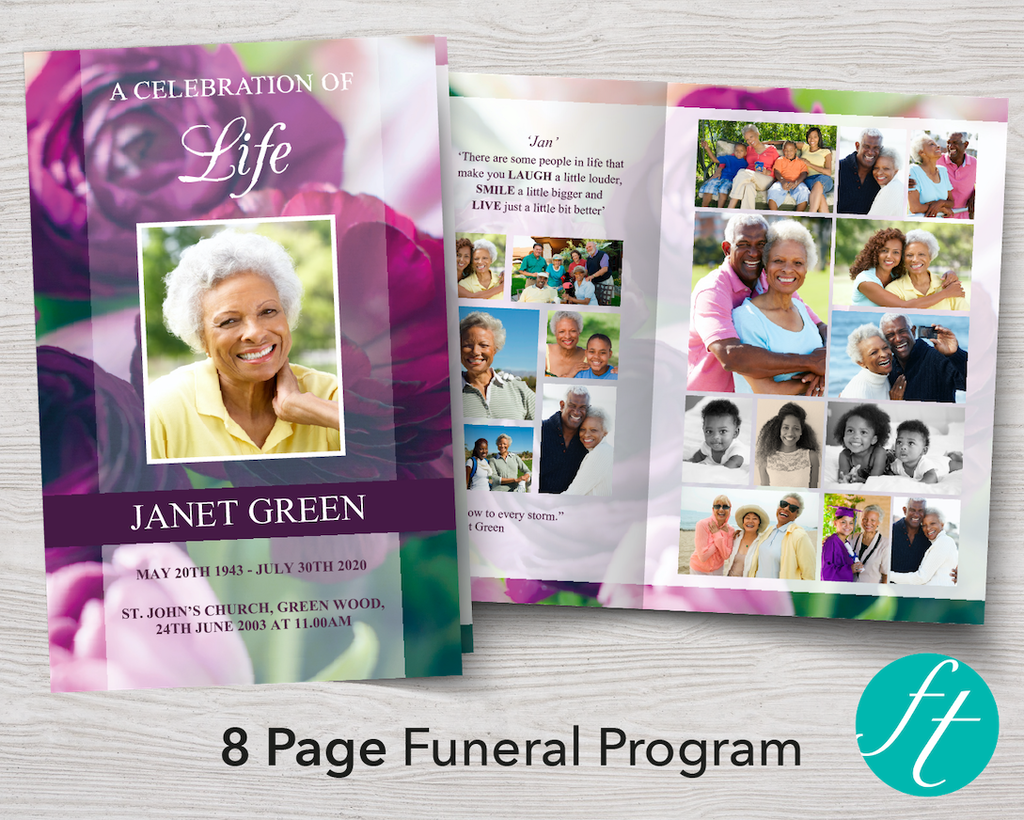
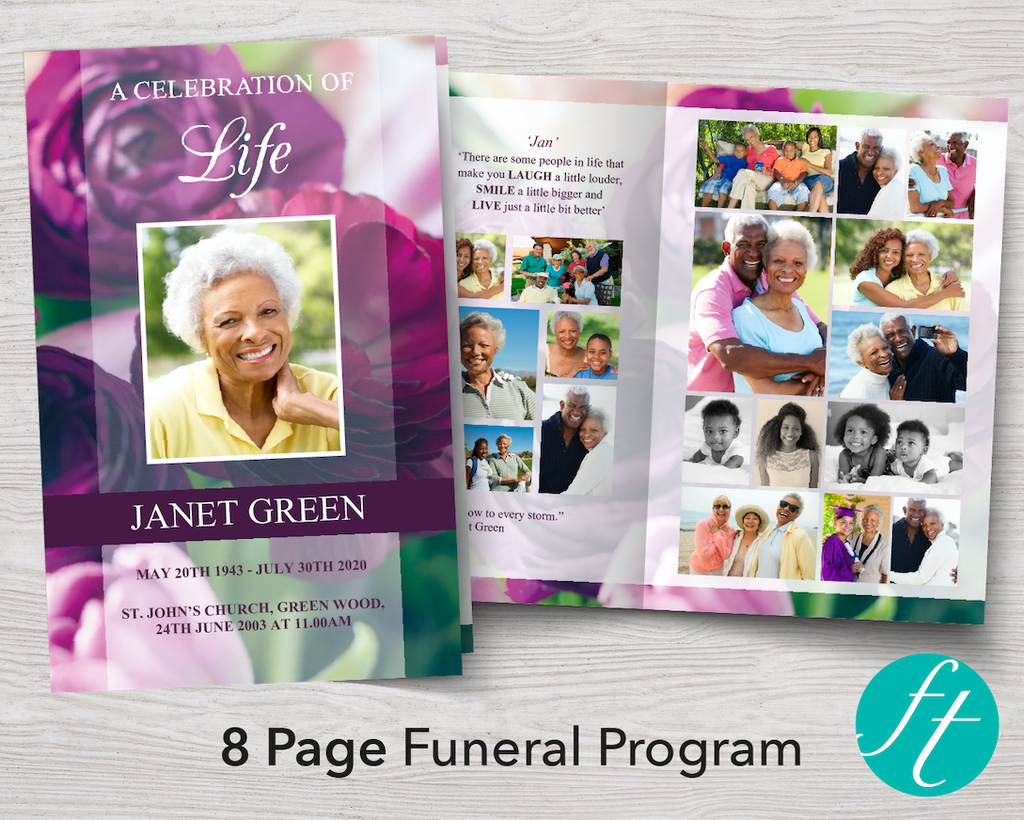
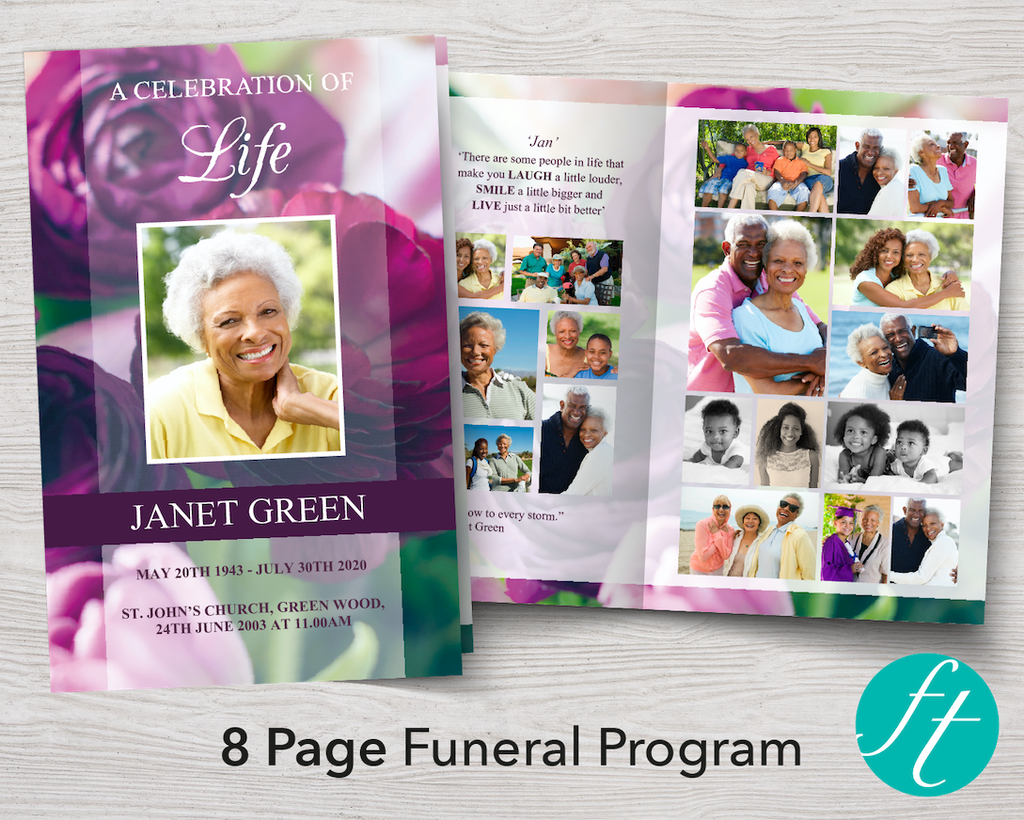
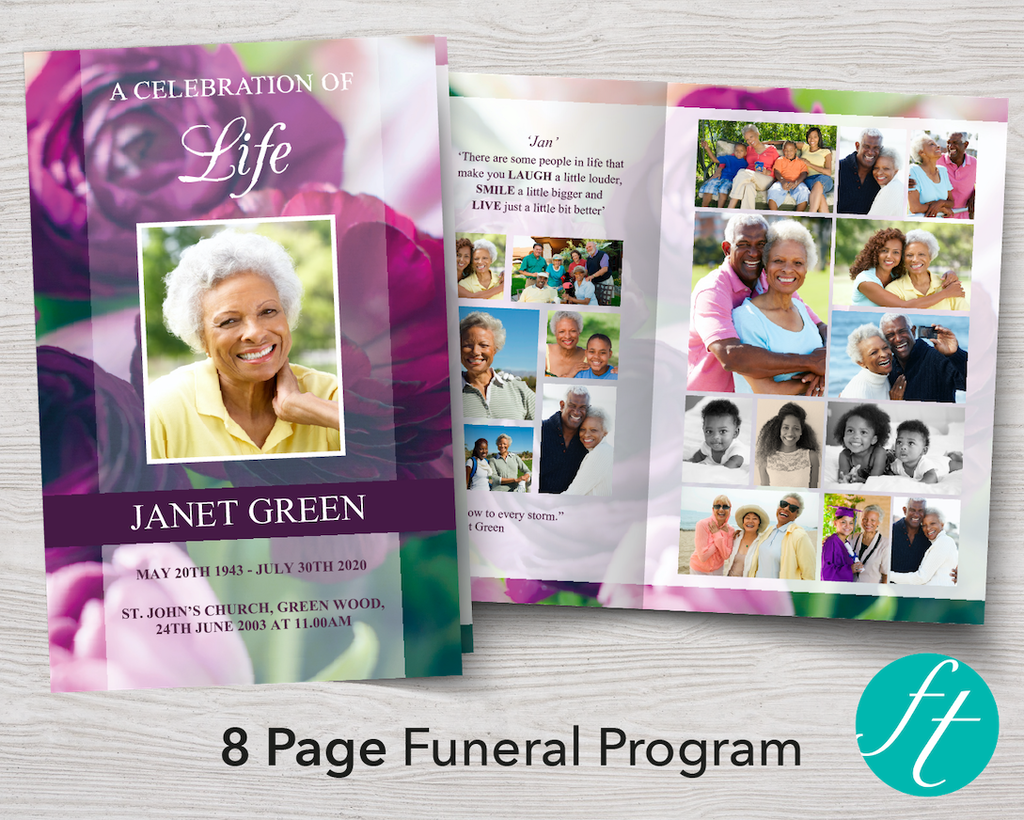
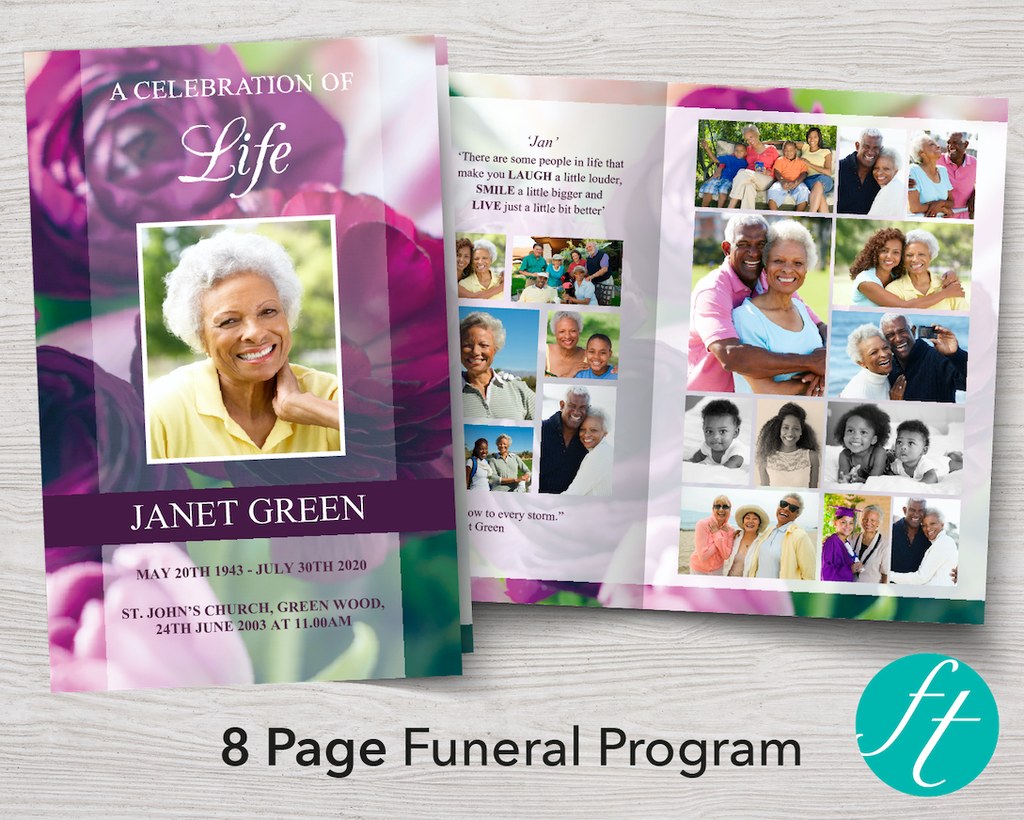
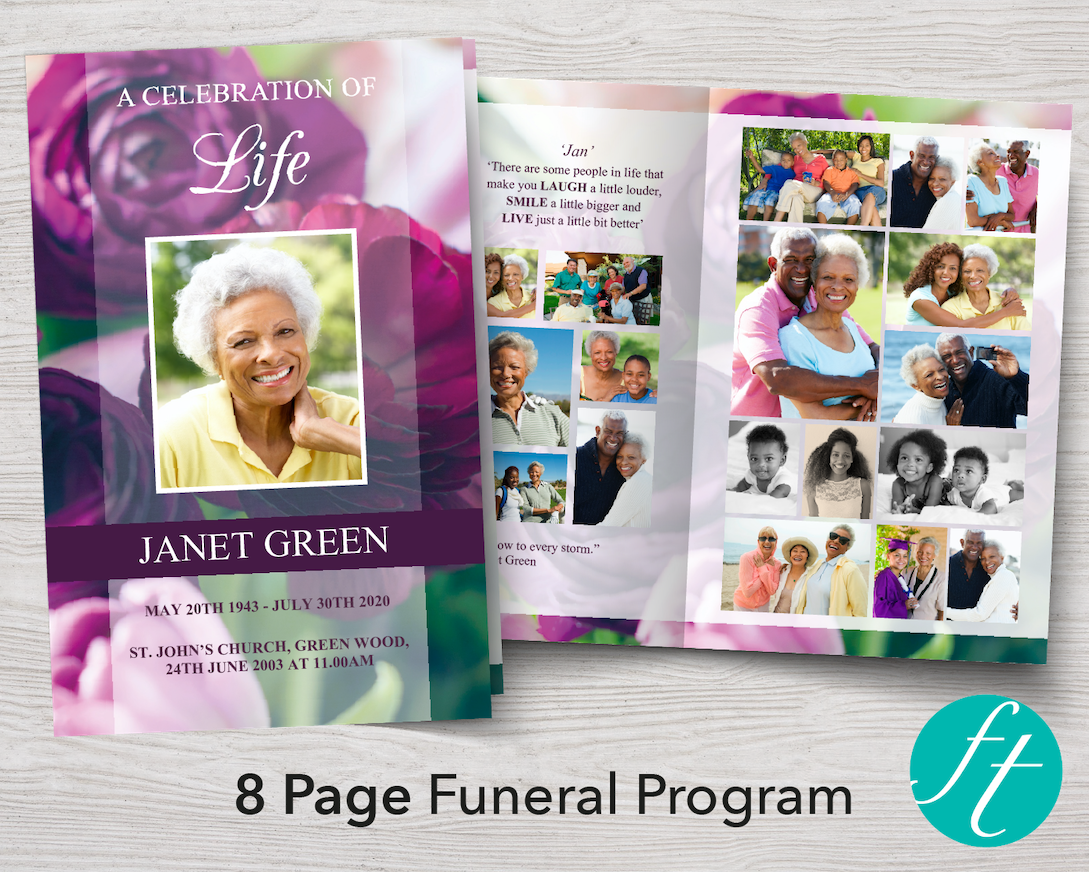
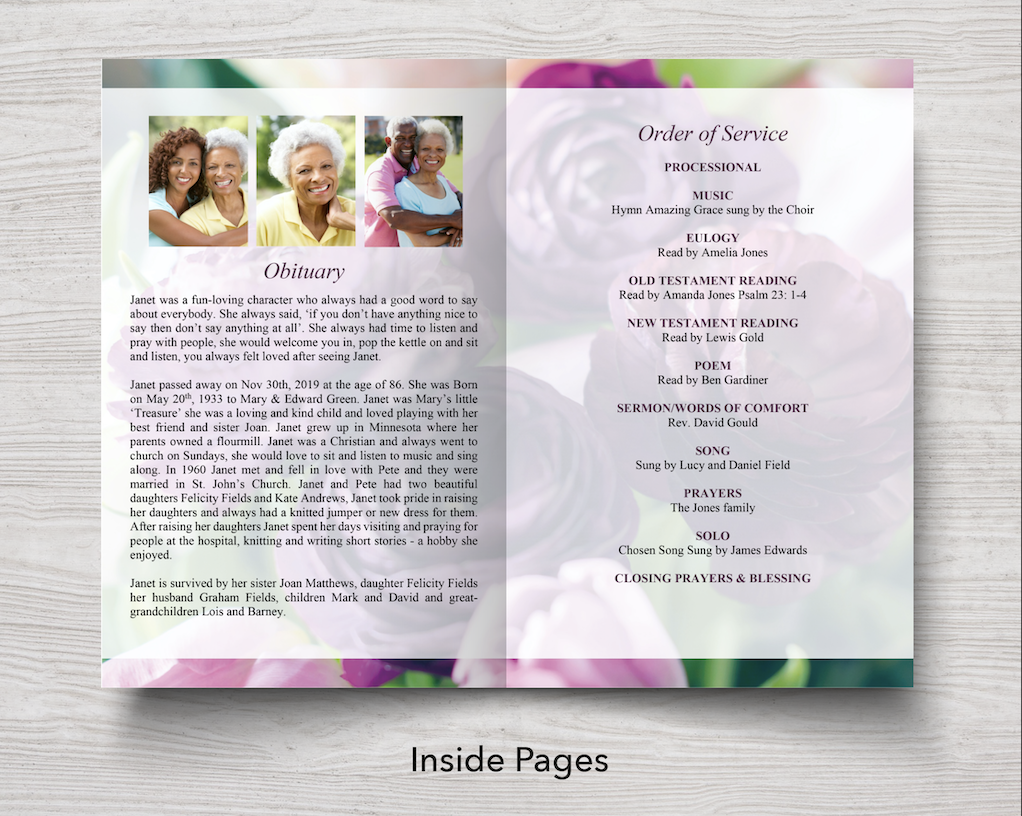
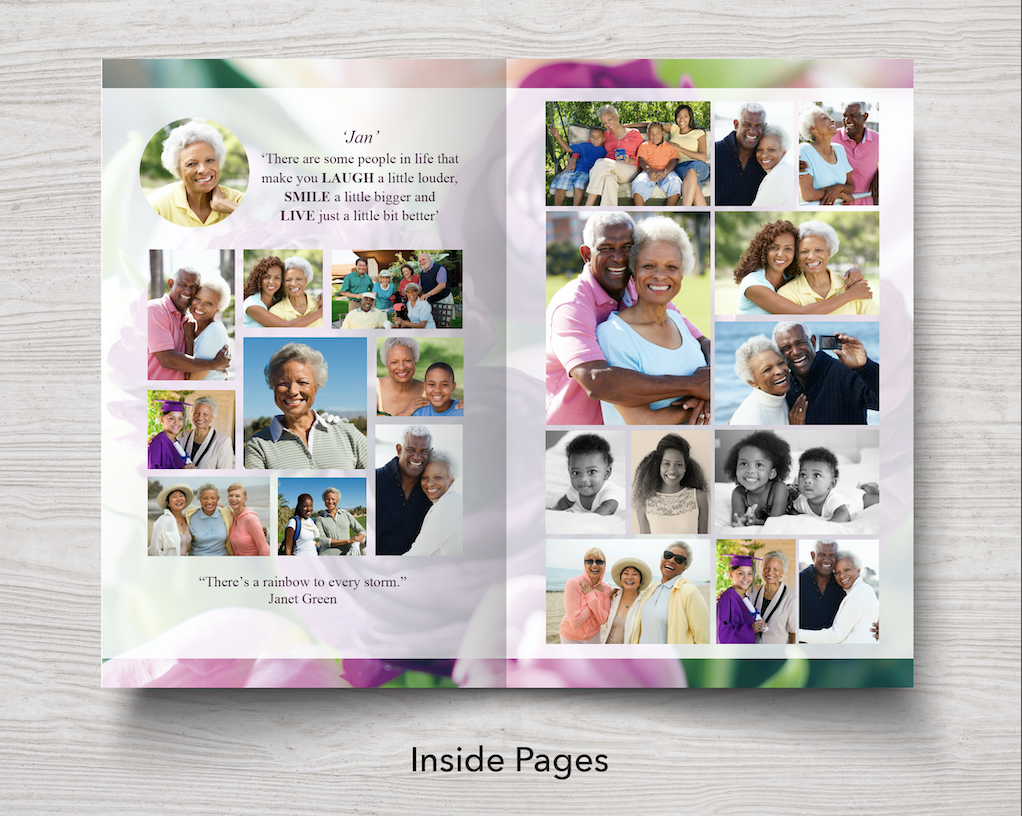
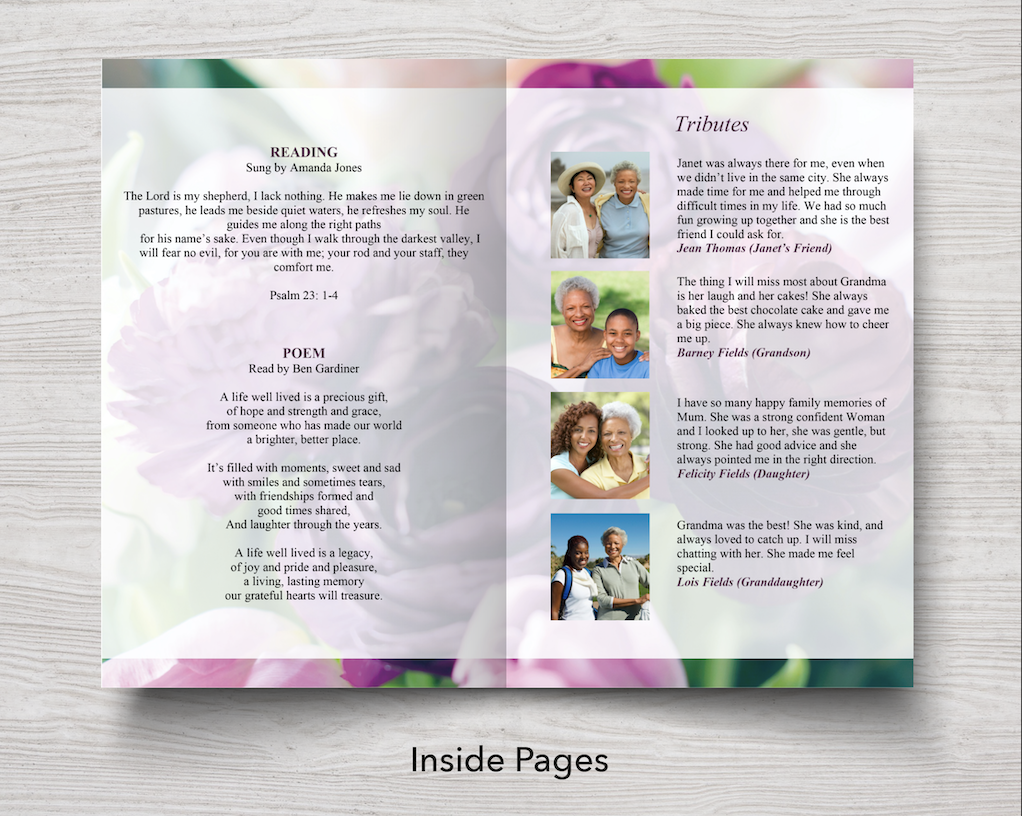
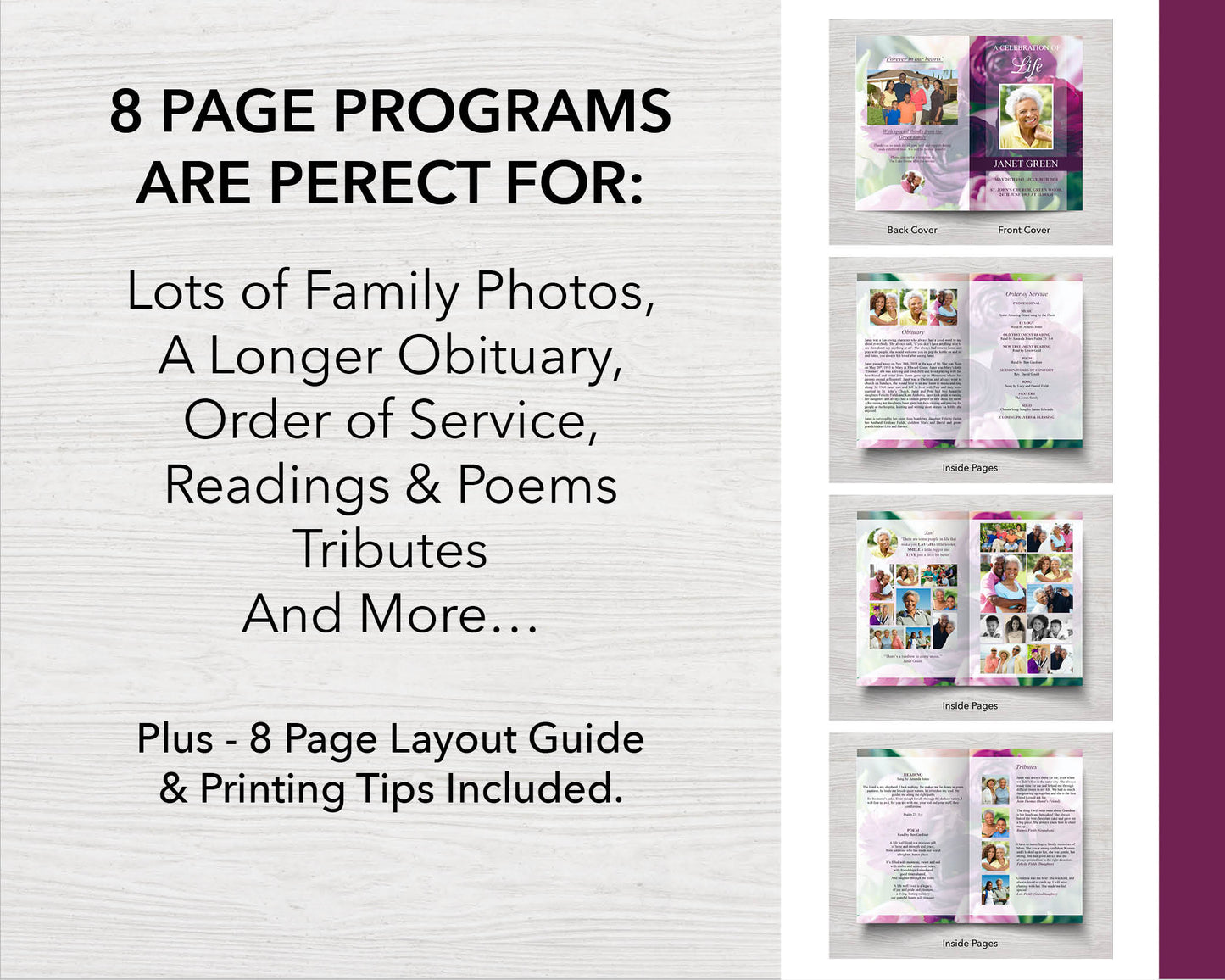
A fitting tribute for a grandmother, mother or sister, this purple peonies funeral program template offers a warm, dignified way to say goodbye. This layout offers room for the obituary, an order of service (or a favorite poem), details about the reception, and two photo collages inside. Professionally designed and simple to customize in Microsoft Word, it comes with a clear help guide and video tutorial, downloads instantly, and prints beautifully at home or a local print shop.

This funeral program prints double-sided on two sheets of Letter size paper (or A4 paper). When folded, this creates 8 x half Letter size pages (or 8 x A5 pages). 

WHAT TO DO:

  1. Purchase the listing and download the file after checkout (your file will usually be downloaded to the 'Downloads' folder on your computer).
  2. Open and edit with Microsoft Word only
  3. Add, edit, move or delete all text and photos (except the background design) 
  4. Print at home or local print shop 

Please note, the funeral program needs to be downloaded and edited on a laptop or desktop computer in the full version of Microsoft Word. It won’t open or edit properly in any other apps or on mobile devices like phones, tablets or Chromebook computers.

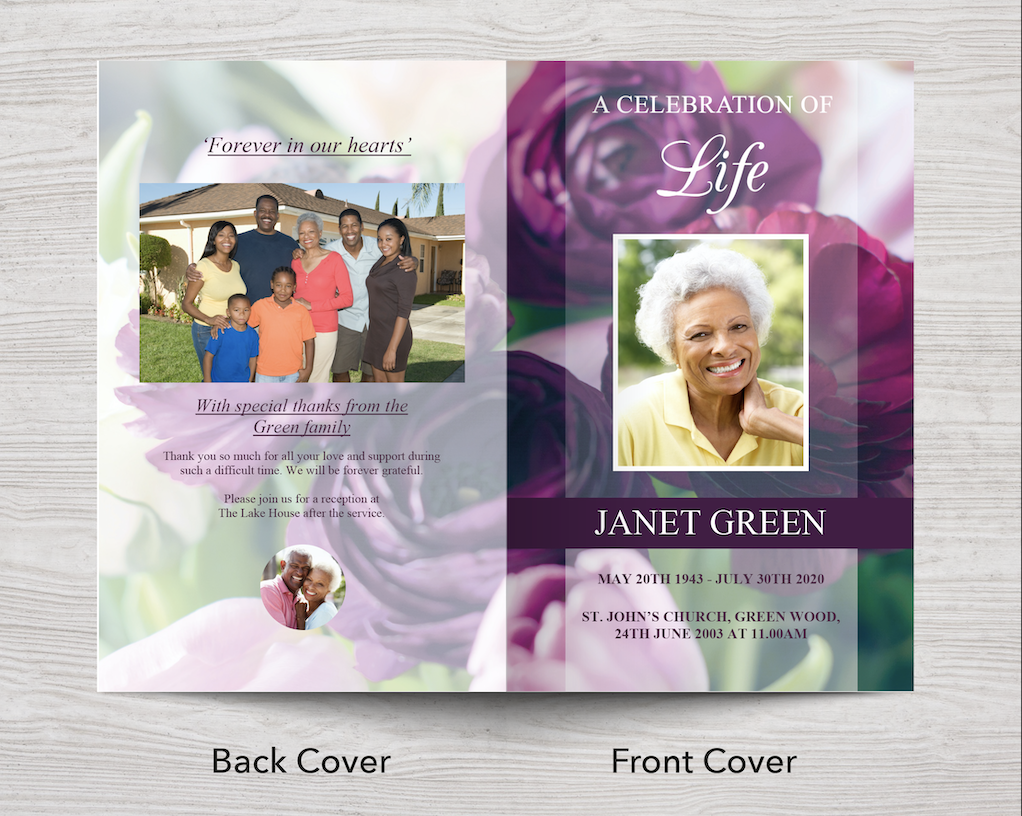
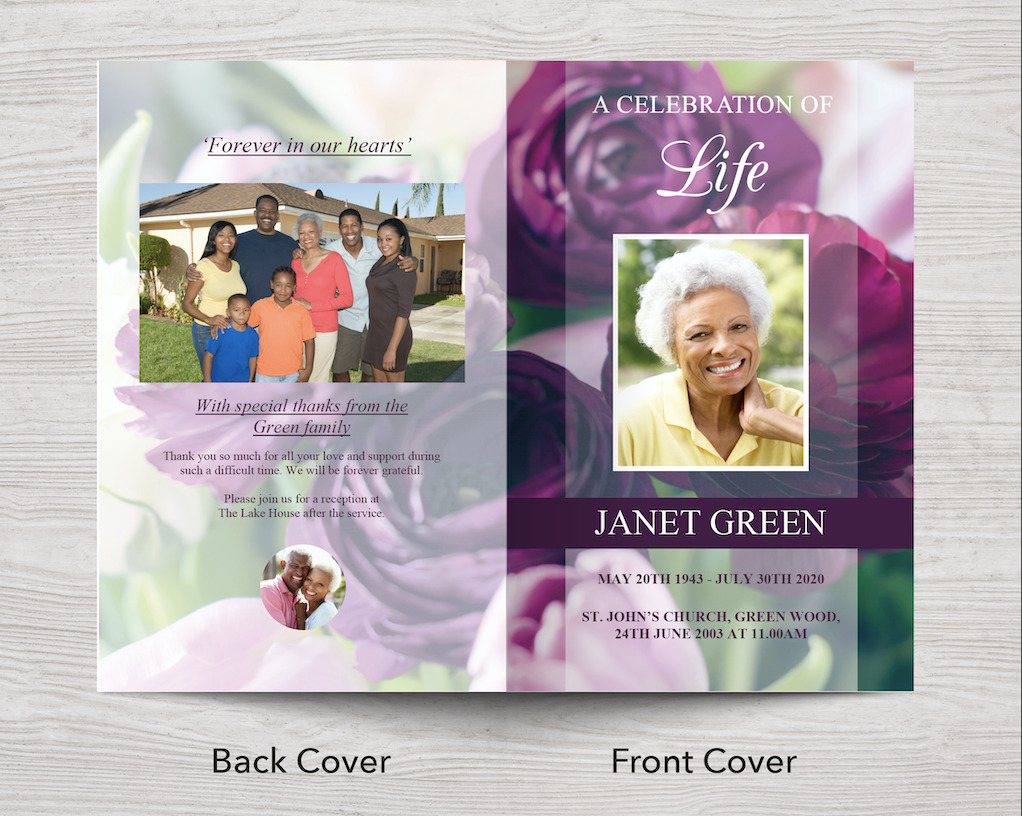
The title 'A Celebration of Life' is inserted as an image. It's not editable, but it can be moved or deleted, and your own title added.

WHAT'S INCLUDED:

  • Two Microsoft Word files: 1 x Letter size program (8.5 x 11 inches), which is half letter size (8.5 x 5.5 inches) when printed and folded. And 1 x A4 size program (210 x 297 mm), which is A5 size (210 x 148 mm) when printed and folded.
  • Help Guide with instructions on how to edit and print your template. 

FREQUENTLY ASKED QUESTIONS:

How do I add photos to this template?

Insert your photos into the green photo boxes using the Shape Fill tool in Microsoft Word. You'll find a step-by-step video guide on our How to Edit page, and instructions are also included in the Help Guide that comes with your template, which you can view here before you buy.

What paper size does this print on?

This template is set up for standard US Letter (8.5 x 11") or A4 paper, printed on two sheets and folding down to an 8-page half-Letter or A5 booklet. Both sizes are included in your download.

How many photos can I include?

As well as the two photo collages, more photos can be added above the obituary, on the tributes page, and on the front and back covers — typically around 32 photos in total across the whole template. You can also add or delete photo spaces to suit how many you'd like to include.

How many pages does this program have?

When printed and folded, this template has 8 pages - a front and back cover plus six inside pages.

Can I use this template for more than one funeral?

This template comes with a personal licence for a single family's use. If you're a funeral director or business looking to create programs for multiple clients, take a look at our commercial licence subscription instead.

Please see our FAQs page for answers to the most frequently asked questions about this template and if you can't find the information you need, please send us a message.

This template is for your PERSONAL USE ONLY, which means you can use it to make a personal funeral program for a friend or relative, but it is not for commercial use. The template cannot be resold or used in any part to make digital or physical items for sale and cannot be distributed for free as editable templates or made freely available online.

©Funeral Templates | Return and Refund Policy

OTHER ITEMS AVAILABLE IN THIS RANGE:

Purple Peonies Funeral Slide Show Purple Peonies Funeral Welcome Sign Purple Peonies Funeral Invitation Card Purple Peonies Funeral Thank You Card Purple Peonies Share a Memory Sign and Cards 4 Page Purple Peonies Funeral Program Template Purple Peonies Funeral Prayer Card (4.25 x 2.5 inches) Trifold Purple Peonies Funeral Program Template
Custom Design Service

Custom Design Service

Don't have time to edit a template? Use our hassle-free, custom design service to create a meaningful keepsake that celebrates your loved one's life. Let us the stress out of designing your funeral stationery by handling everything for you. Simply choose a design, share your content, and we’ll do the rest - quickly and professionally.

FIND OUR MORE