
Choosing a design for a funeral program is one of the smaller decisions in a difficult time, but it's still worth getting right. The design sets the tone for everything else, the photos, the wording, the overall feel of the keepsake. Below are six of our most popular designs, each with space for a photo collage, an obituary, and an order of service.
Every design comes in two editing options, so you can pick whichever suits you better:
- Microsoft Word — our original format, edited in the full desktop version of Word on a laptop or desktop computer (Mac or Windows). Not compatible with Mac Pages, Google Docs, or mobile devices.
- Canva — works entirely in your browser on any device, laptop, desktop, tablet, or phone, with a free Canva account. For designs with several photos, we'd still recommend a larger screen for ease of editing.
Both formats print double-sided on a single sheet of Letter size paper (or A4), folding down to 4 half-Letter (or A5) pages, and cost $24.99.
Classic

A timeless choice with a classic dashed line border and a photo collage on the back page. There's also space for messages of thanks from the family or a line for donations to a chosen charity, if that's something you'd like to include. It's a fitting option when you want something dignified and understated rather than themed.
View in Word → · View in Canva →
Purple Bloom
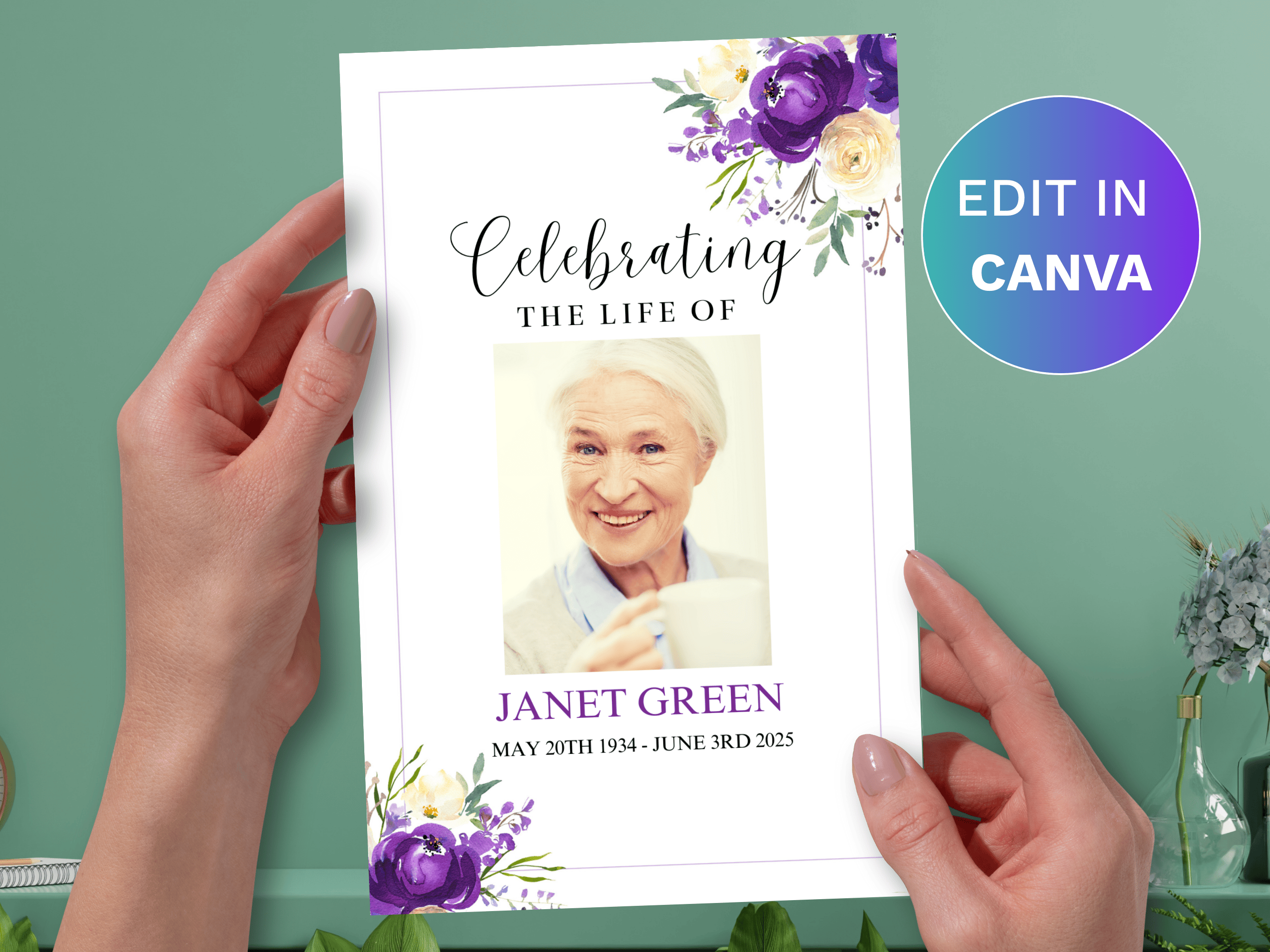
Soft purple and cream watercolor flowers bring a gentle, comforting feel, a fitting way to honor a mother, daughter, or cherished friend. There's space for a photo collage, the obituary, and a Bible verse or reading that meant something to them.
View in Word → · View in Canva →
Green Leaf
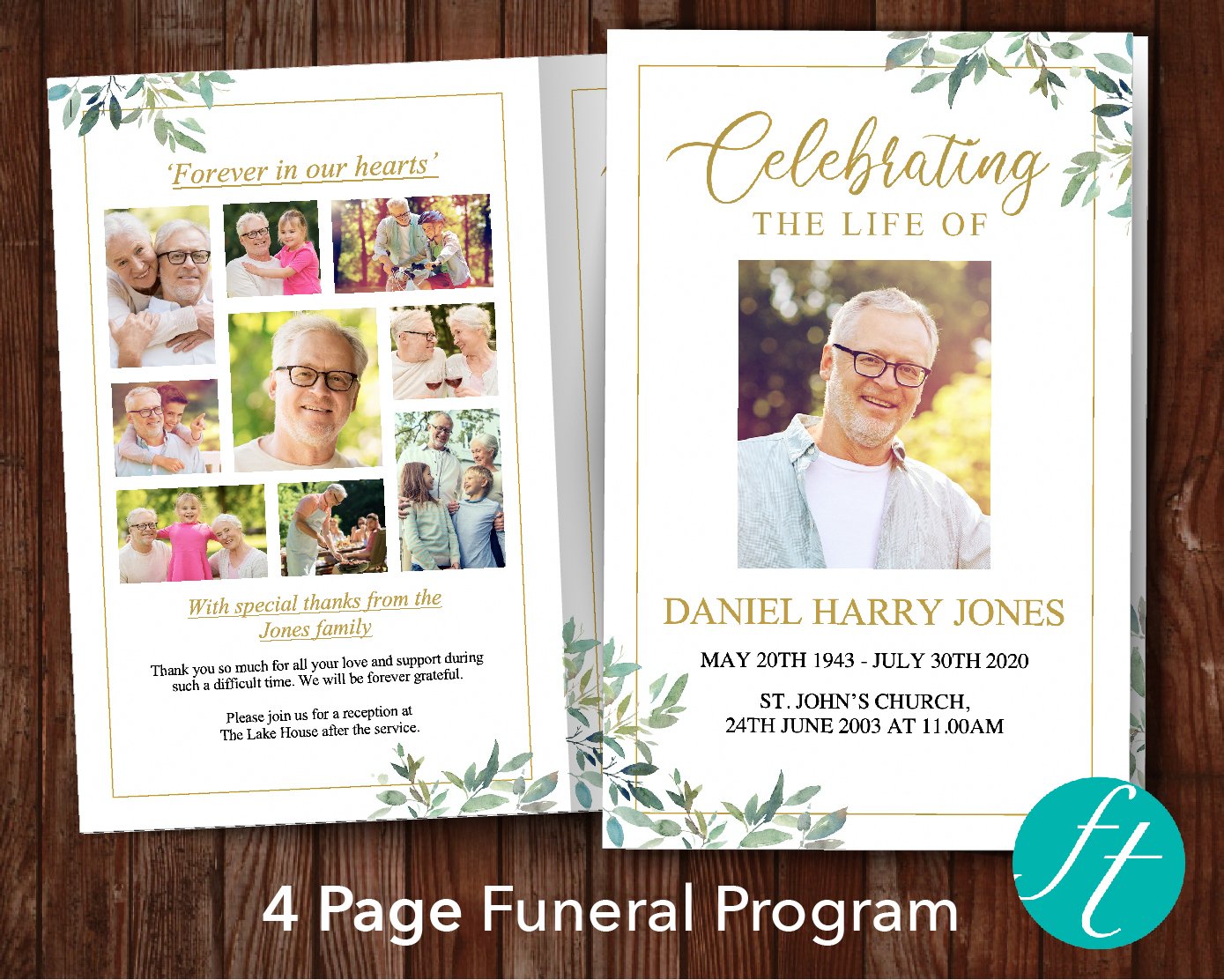
An elegant green leaf design with a gold border, bringing warmth and comfort without feeling overly formal. Space is included for a photo collage, the obituary, and an order of service or reading. This is the same design in both formats, so it's simply a matter of choosing which editing tool suits you.
View in Word → · View in Canva →
Black Ornate
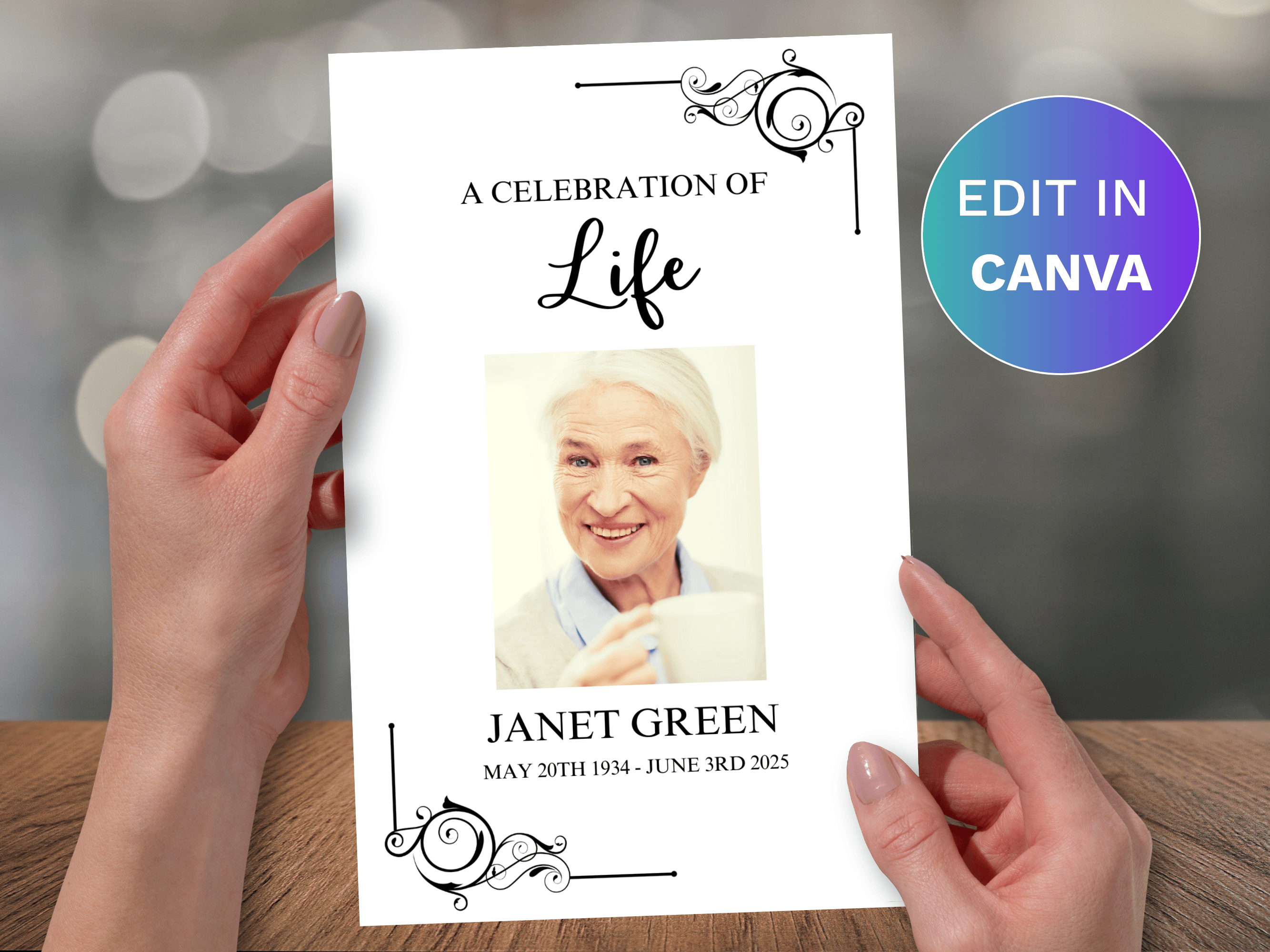
A timeless black and white theme with stunning corner details, one of our most formal designs. The Word version includes space for a single main photo plus a donation line, while the Canva version includes a full photo collage with space for 13 or more photos in total.
View in Word → · View in Canva →
Sky

A breath-taking sky background design, often chosen for a father, husband, or grandfather's program. It includes a photo collage, the obituary, and space for song lyrics or a favorite hymn.
View in Word → · View in Canva →
Military
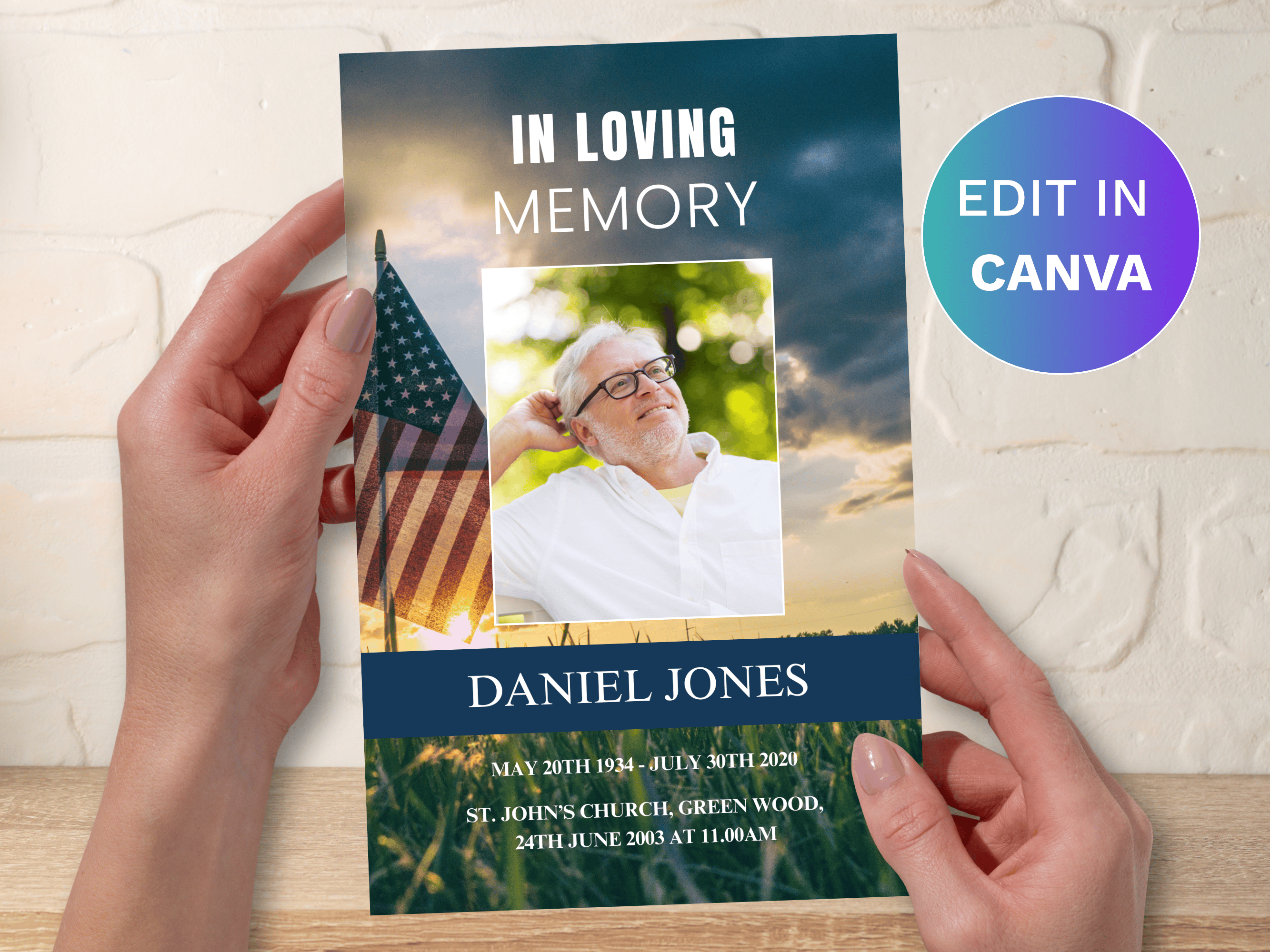
A fitting tribute to a life of service, featuring the sun setting over an American flag in a green field. It honors the dedication and sacrifice of those who served, with space for a photo collage, the obituary, and a favorite quote or Bible verse.
View in Word → · View in Canva →
Frequently Asked Questions
Should I choose Word or Canva?
If you already have the full desktop version of Microsoft Word and prefer working offline, Word is a straightforward choice. If you'd like to edit from a phone or tablet, don't have Word, or just prefer working in your browser, Canva is the more flexible option, it only needs a free account.
Can I edit the Word templates on a Mac?
Yes, but they need the full desktop version of Microsoft Word (Mac or Windows), not Mac Pages, Google Docs, or the free online version of Word. If you don't already have desktop Word, Microsoft offers a 1-month free trial of Office 365 that includes it.
How do I add my own photos?
In Word, each template uses green photo placeholder boxes, double click the box, select the Shape Format tab, then use the Shape Fill tool to choose a picture. In Canva, click Upload, select your photos, then drag and drop them into the photo frames. Both formats include a written Help Guide or video tutorial.
What paper size do these print on?
Every template, in either format, includes both a US Letter (8.5 x 11 inches) and A4 file, so you can choose whichever matches your printer or local print shop.
Can I use one of these templates for more than one funeral?
These templates come with a personal licence for a single family's use. If you're a funeral director or business creating programs for multiple clients, our commercial licence subscription is designed for that instead.
Related reading: How to Make a Funeral Template in Word · Design Your Own Funeral Program in Canva: Complete Tutorial · 4-Page vs 8-Page Funeral Programs: A Simple Guide for Families


