
A funeral slideshow gives guests a way to see your loved one's life in pictures, often set to music, and played during or after the service or shared digitally afterward. With so many photos to include, the design you choose matters just as much as the photos themselves. Here's a look at six slideshow designs, in both PowerPoint and Canva, to help you find the right style.

PowerPoint or Canva: Which Should You Choose?
Our slideshow templates come in two formats, and both produce the same result, a finished video you can play at the service or share afterward.
PowerPoint templates are edited using the full desktop version of Microsoft PowerPoint on a laptop or desktop computer (not phones, tablets, Chromebooks, Google Slides, Mac Keynote, or Open Office). Microsoft PowerPoint is available for PC or Mac, so Mac users aren't left out, they'll just need the Mac version, Microsoft PowerPoint for Mac. If you already have PowerPoint installed and are comfortable with it, you can usually get started right away without setting up a new account
Canva templates are edited entirely in your browser, on any device, using a free Canva account. There's nothing to install, which makes Canva a good option if you don't have Microsoft PowerPoint or you'd rather work from a tablet or a different computer partway through.
Whichever format you choose, the finished slideshow can be exported as an MP4 video file, ready to play from a laptop, USB drive, or shared with family and friends. If you'd like more detail on the PowerPoint process step by step, our guide to how to make a funeral slideshow on PowerPoint walks through it from start to finish.
Here's a closer look at six of our slideshow designs.
1. Botanical Design (Canva)
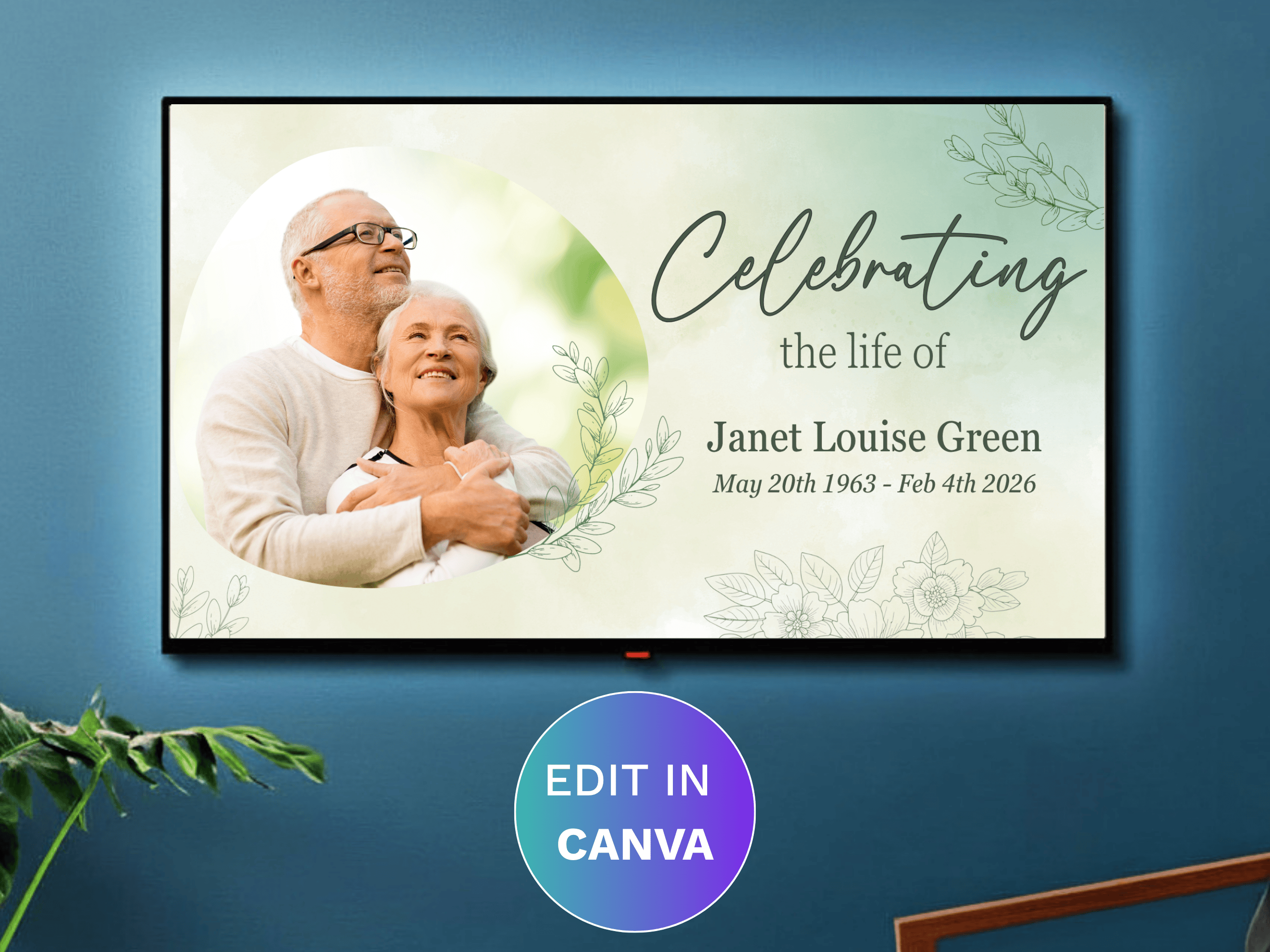
A soft, nature-inspired design with delicate green botanical illustrations throughout. It includes 61 slides and 46 photo collage layouts, with room for over 200 photos in total, making it a good fit if you want to include a large number of pictures spanning your loved one's whole life. Transitions default to a 9-second dissolve and can be adjusted, and you can add your own music or video clips before exporting.
2. Blue Sky (PowerPoint)
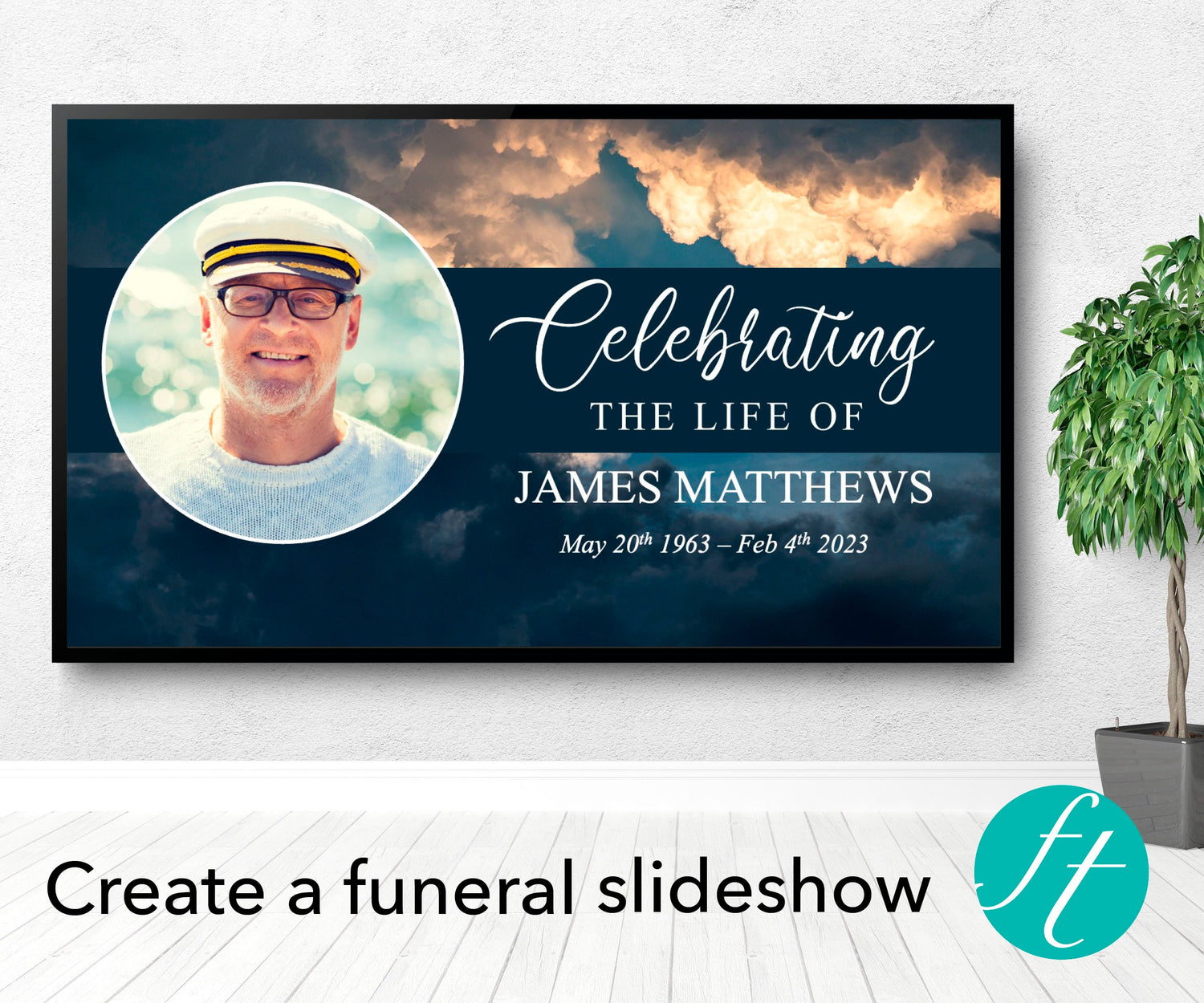
A calm, open sky design that works well for a father, husband, or grandfather. This Premium PowerPoint template includes 28 slides and 20 photo collages, holding over 130 photos, with two title options and two closing slide variations to choose from. Like all our PowerPoint slideshows, it supports added music and video and exports as an MP4 file when you're finished.
3. Classic White (Canva)
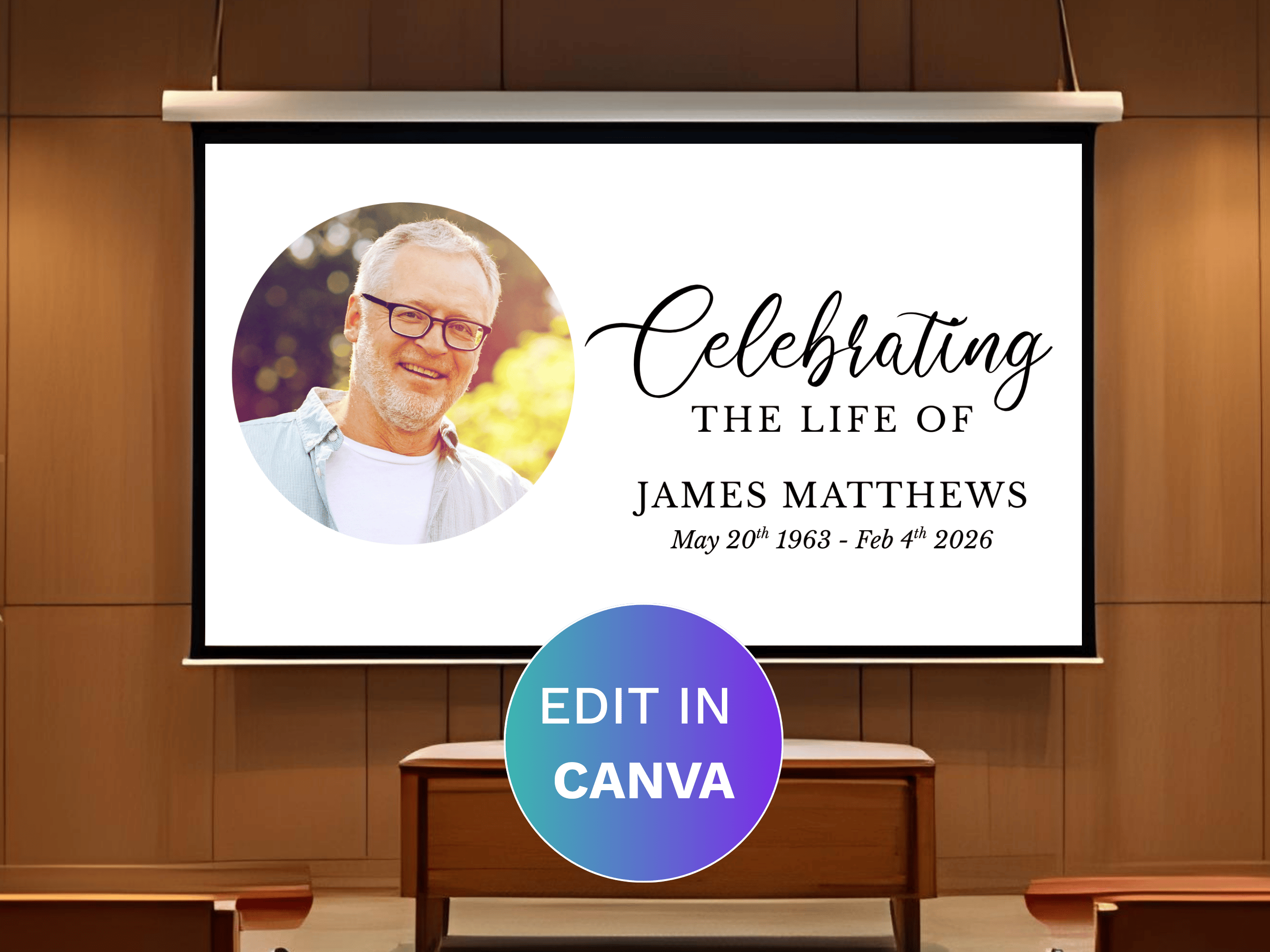
A clean, neutral design that suits almost any service. This Canva template includes 30 slides, two title variations, and three closing options, plus 20 photo collages holding over 130 photos. Slides are formatted in 16:9 widescreen with adjustable dissolve transitions, and everything is edited directly in Canva, so there's nothing to download or install before you get started.
4. Gold and Black (PowerPoint)
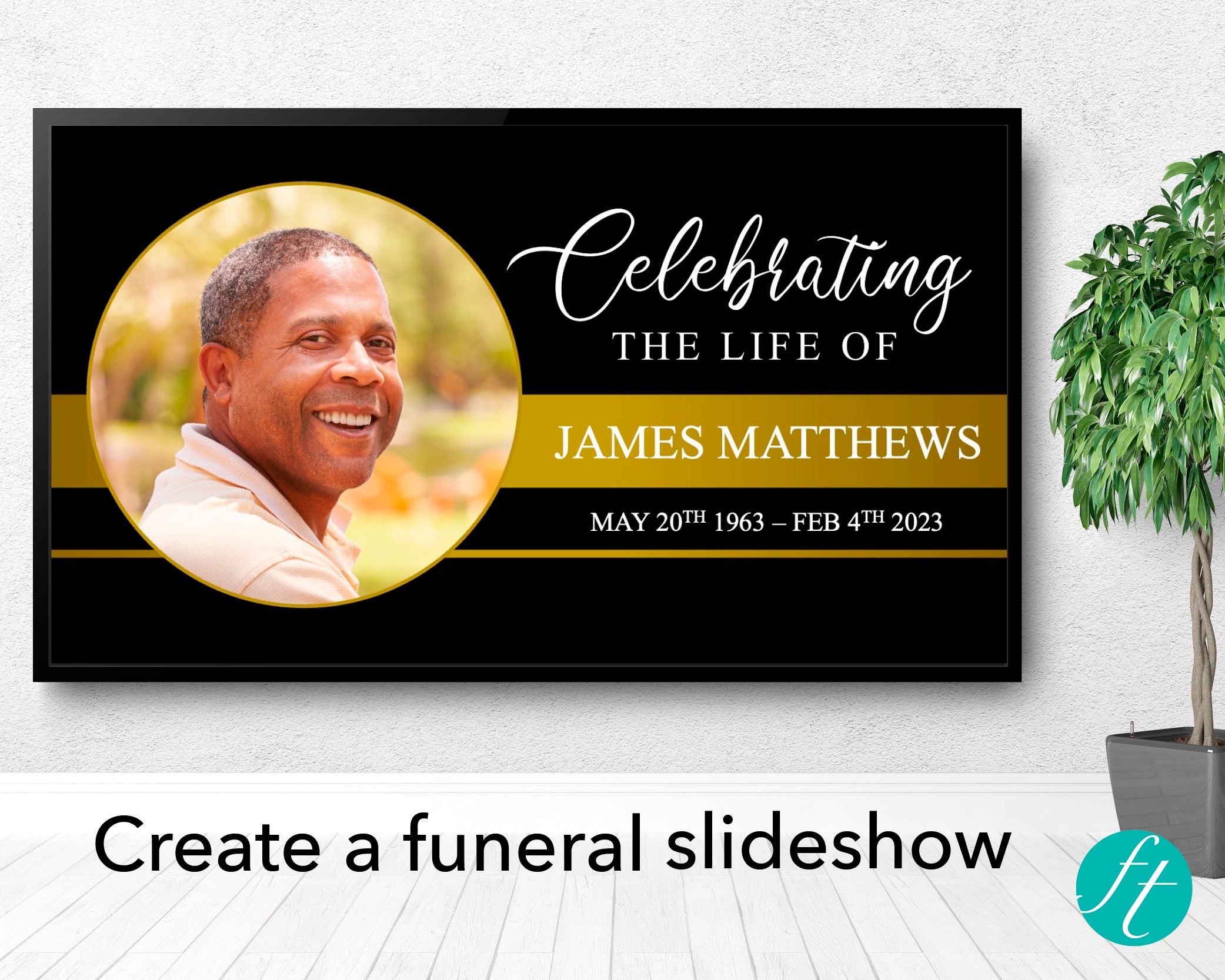
A more contemporary option with gold and black accents, well suited to a formal or modern celebration of life. This Premium PowerPoint template includes 28 slides, 20 photo collages, and space for over 130 photos, along with two title and closing slide options. A help guide is included with step by step editing instructions if you're new to PowerPoint.
5. Gold Cross (Canva)

A faith based design with refined gold cross details and soft cream accents, well suited to a religious service or a loved one whose faith was a big part of their life. This Canva template includes 64 slides and 49 photo collage layouts, with room for over 200 photos, making it one of our largest slideshow templates for families with a lot of photos spanning many years. Everything is edited directly in Canva on a computer or mobile device, with no software to install.
6. Green Leaf (PowerPoint)
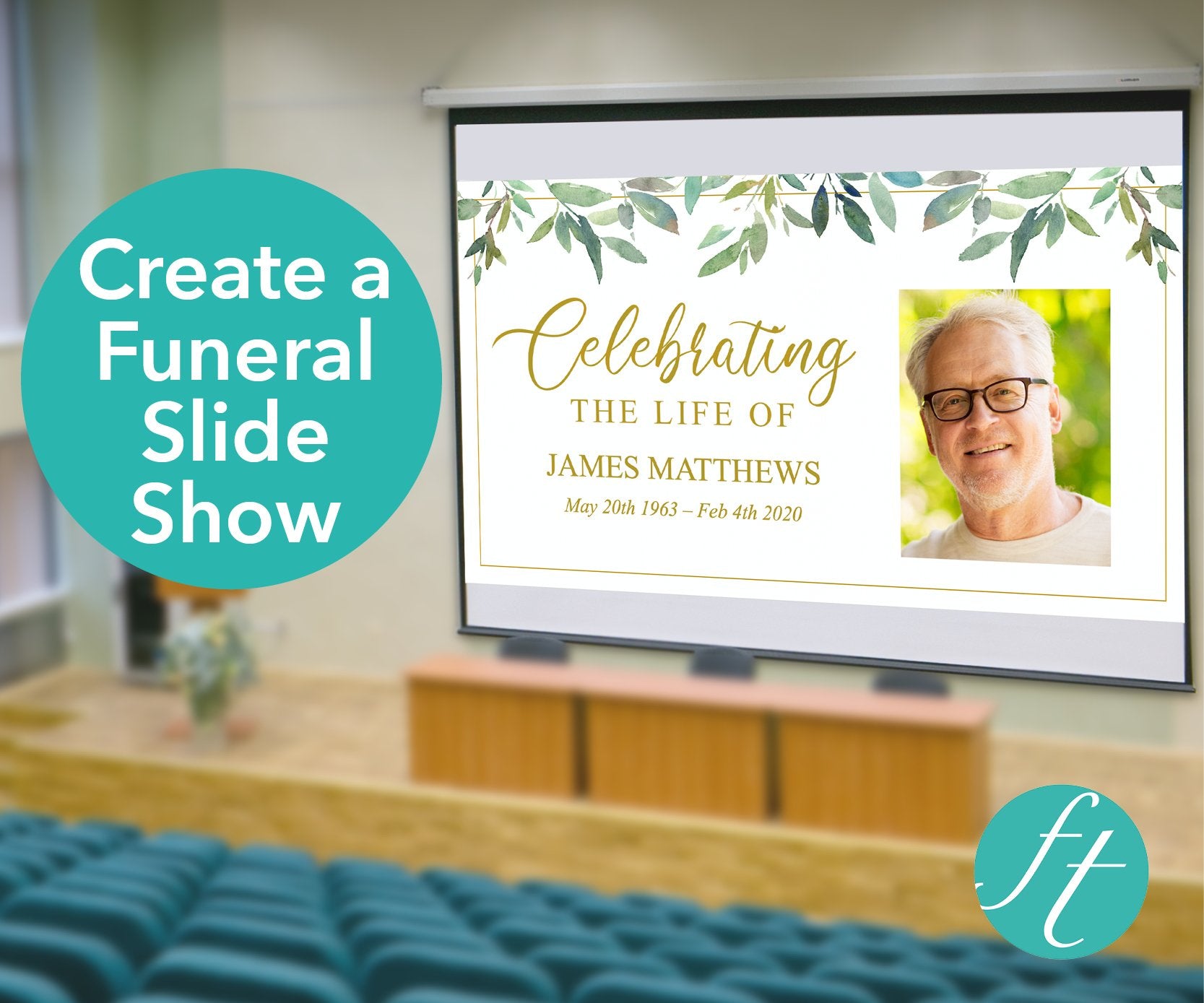
A calming green leaf design and one of our simpler slideshow options, with 13 slides and 7 photo collages holding over 37 photos. It's a good fit if you have a smaller number of photos to work with or want something quick to put together without a lot of slides to fill. All 8 customer reviews on this template are five stars, with buyers noting how simple it was to use.
Choosing Photos for Your Slideshow

However many photos your chosen design holds, it's worth gathering more than you think you'll need and narrowing down from there. A mix of decades, from childhood through to more recent years, usually creates the most complete picture of a life. Where possible, use clear, higher resolution images since slideshows are often played on a large screen or projector, and a blurry or heavily cropped photo becomes more noticeable at that size.
Frequently Asked Questions
Do I need Canva Pro or a paid version of PowerPoint to edit these templates?
No. Our Canva slideshow templates work with a free Canva account, and our PowerPoint templates only require the standard version of Microsoft PowerPoint, either on PC or Mac.
Can I edit a PowerPoint slideshow template on a Mac?
Yes. Microsoft PowerPoint is available for both PC and Mac, so a Mac version, Microsoft PowerPoint for Mac, works the same way. You'll still need the full desktop application rather than a phone, tablet, or web-based alternative.
How do I add music or video to my slideshow?
Both formats support adding your own music and video clips before exporting. For PowerPoint templates specifically, our guide to how to make a funeral slideshow on PowerPoint links to step by step instructions for inserting audio and video.
What file do I end up with once I'm finished?
Once you've finished editing, both PowerPoint and Canva slideshows export as an MP4 video file, which can be played from a laptop, saved to a USB drive for the venue, or shared digitally with family and friends afterward.
Can I use these slideshow templates commercially, for more than one family?
No, our slideshow templates come with a personal use licence for a single family's memorial only. If you're a funeral director or business wanting to offer stationery or slideshows to multiple clients, our commercial licence templates for funeral homes are designed for that instead.
Related reading: How to Make a Funeral Slideshow on PowerPoint · Funeral Program Design Ideas · Ideas for Displaying Photographs at a Funeral


